Posted On 09 Apr 2026
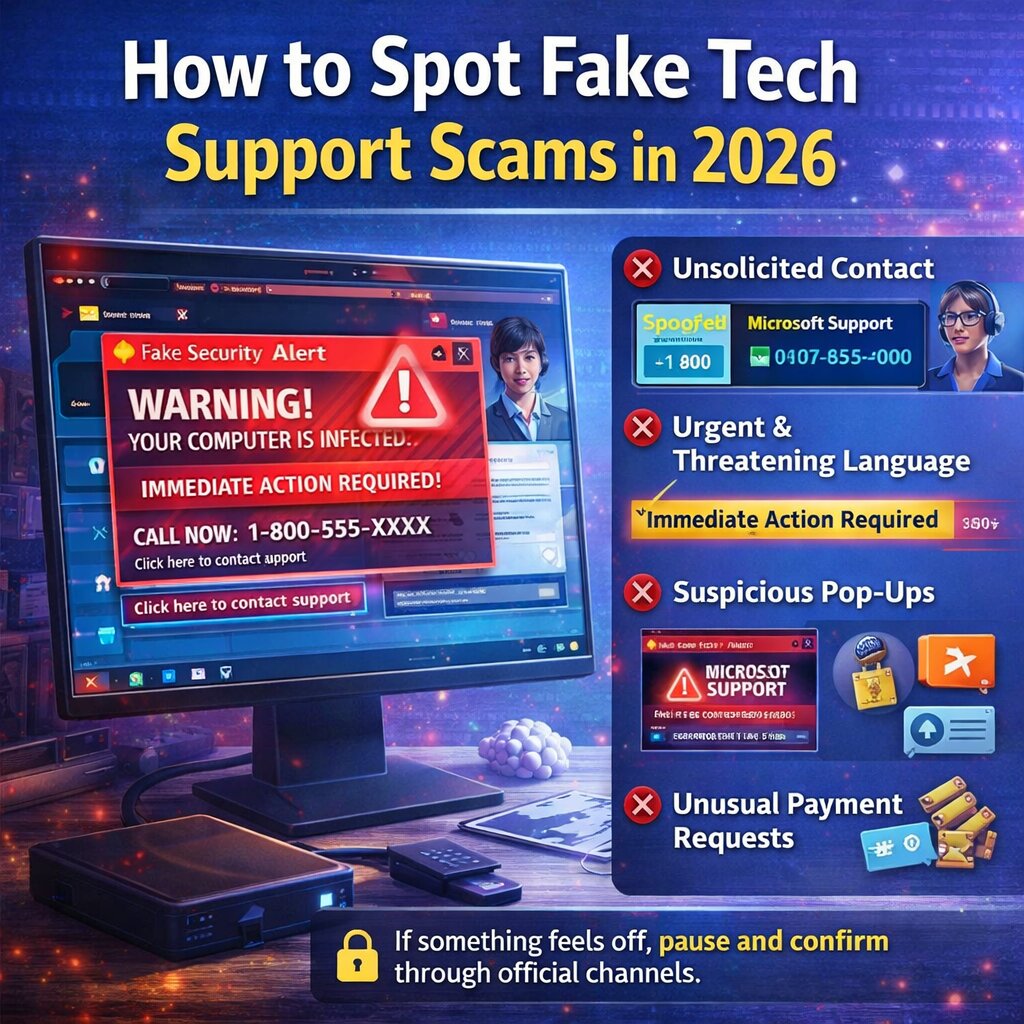
Tech support scams continue to evolve, becoming more convincing and harder to detect. In 2026, scammers use advanced tactics like realistic pop-ups, spoofed phone numbers, and even AI-generated voices to trick people into giving access to their computers or personal information. Knowing the warning signs can help you stay protected.
One of the most common red flags is unsolicited contact. Legitimate companies like Microsoft or Apple will not call, email, or message you out of the blue to fix a problem. If someone contacts you claiming your computer is infected or compromised, it’s almost certainly a scam.
Another major warning sign is urgent or threatening language. Scammers often try to create panic with messages like “Your computer is at risk!” or “Immediate action required!” This pressure is designed to make you act quickly without thinking.
Be cautious of pop-up warnings that appear while browsing. Some fake alerts will lock your screen or play loud audio, urging you to call a support number. These are not real system messages. Never call the number provided—close your browser or restart your computer instead.
Scammers will often ask for remote access to your computer. Once connected, they may install malware, steal files, or charge you for unnecessary “repairs.” Never grant access unless you initiated contact with a trusted professional.
They may also request payment through unusual methods, such as gift cards, cryptocurrency, or wire transfers. This is a clear sign of fraud—legitimate companies do not operate this way.
To stay safe, always verify support through official websites and keep your system updated with security software.
If something feels off, trust your instincts. When it comes to tech support, it’s always better to pause, verify, and stay in control of your device.