Posted On 09 May 2026
Clicking a suspicious email link can happen to anyone. Scammers are getting better at making emails look legitimate, and sometimes all it takes is a moment of distraction. The key is not to panic—but to act quickly and correctly.
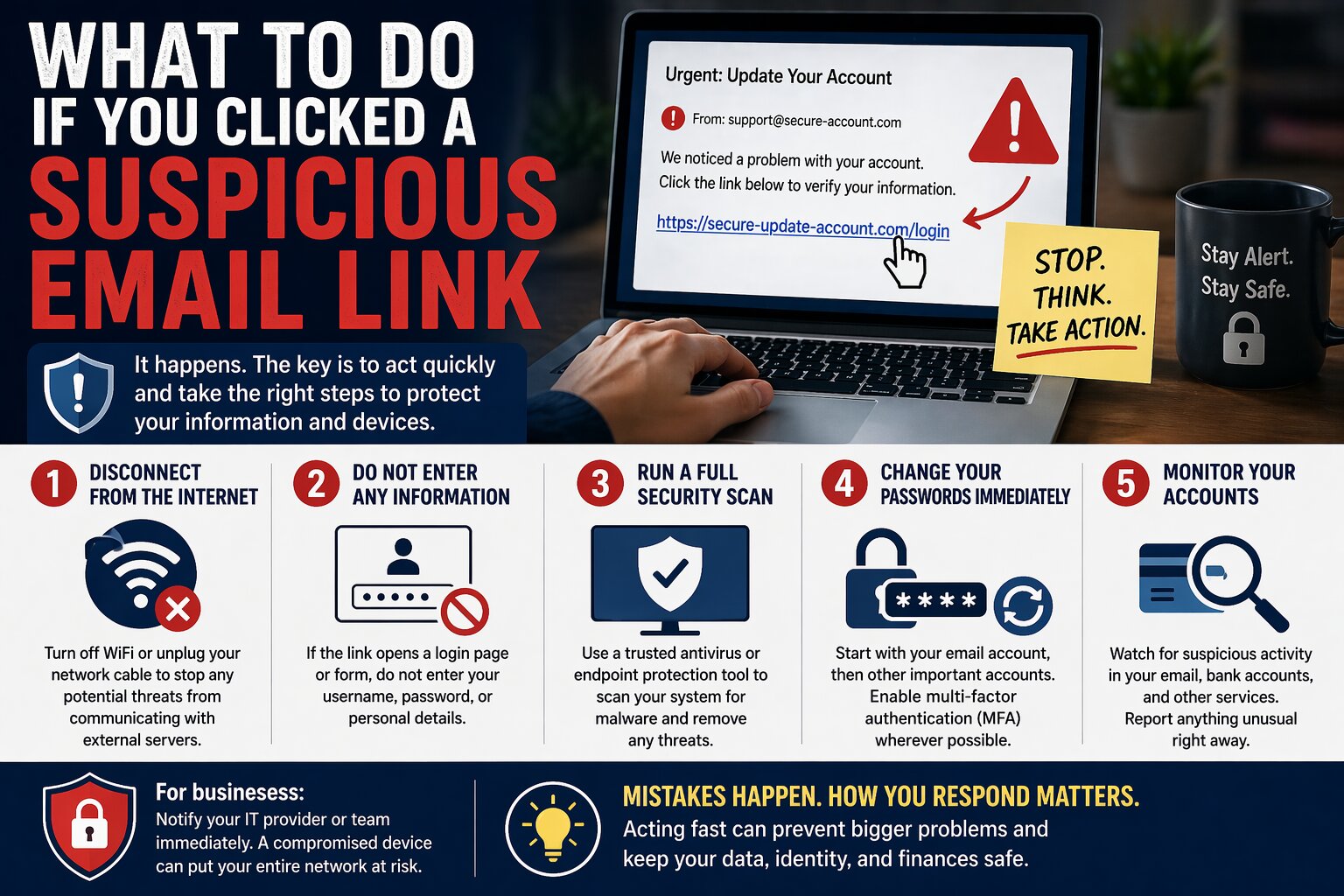
Step one: disconnect from the internet. If you clicked a link and something started downloading or a strange page opened, immediately turn off your WiFi or unplug your network cable. This can help stop malicious software from spreading or communicating with external servers.
Step two: do not enter any information. If the link brought you to a login page or form, do not type in your username, password, or personal details. Even if the page looks real, it could be a fake designed to steal your credentials.
Step three: run a full security scan. Use a trusted antivirus or endpoint protection tool to scan your system for malware. This helps identify and remove any threats that may have been installed.
Step four: change your passwords immediately. Start with your email account, then move to banking, social media, and any other sensitive accounts. If you used the same password elsewhere, change those as well. Enable multi-factor authentication wherever possible.
Step five: monitor your accounts. Keep an eye on your bank statements, email activity, and login alerts for anything unusual. Early detection can prevent further damage.
For small businesses, it’s also important to notify your IT provider or team right away. A single compromised device can put an entire network at risk if not handled properly.
Mistakes happen—but how you respond makes all the difference. Acting quickly can turn a potential disaster into a minor issue and keep your data, identity, and finances protected.