
Posted On 11 Apr 2026
Your computer rarely fails without warning. In most cases, there are clear signs that something is wrong—you just have to know what to look for. Catching these early can save your data, time, and money.
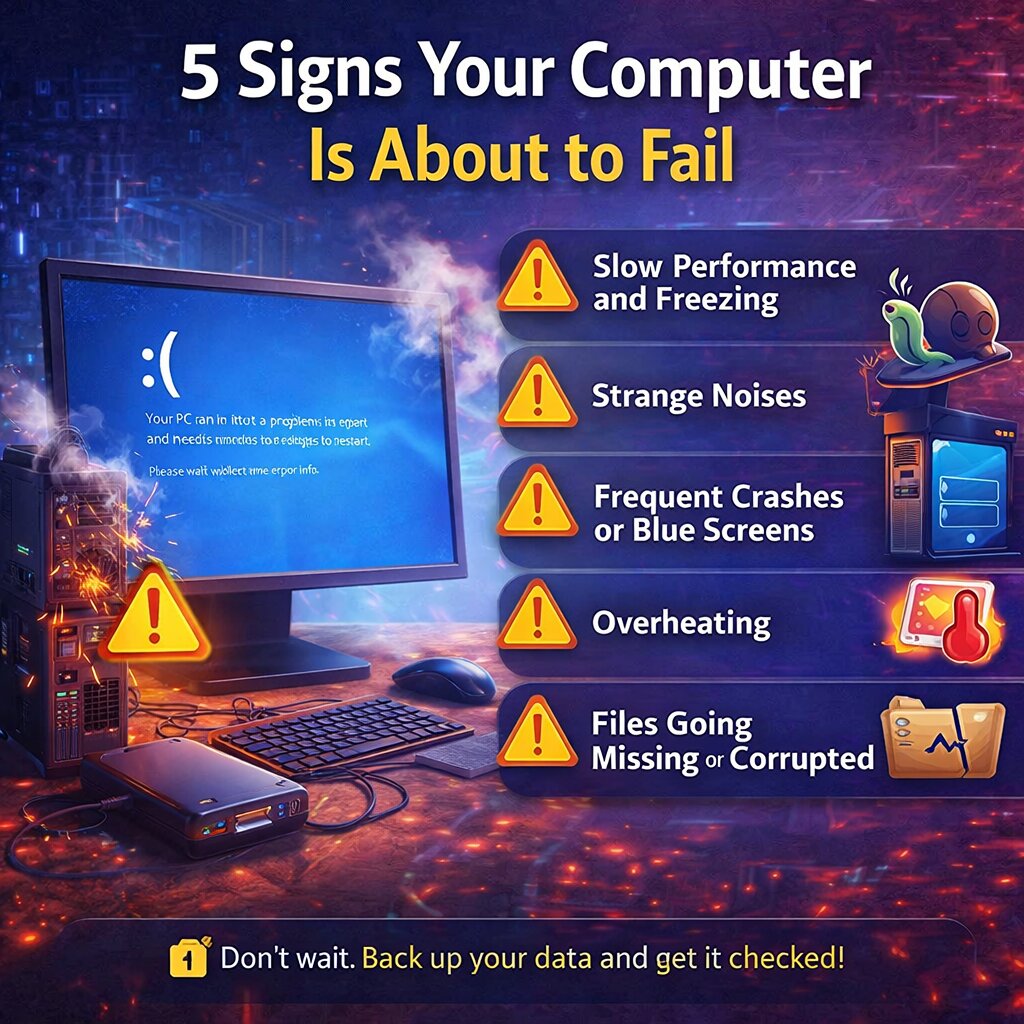
1. Slow Performance and Freezing
If your computer suddenly becomes sluggish, takes longer to open programs, or frequently freezes, it could indicate failing hardware—especially your hard drive or insufficient memory. While occasional slowdowns happen, consistent performance issues are a red flag.
2. Strange Noises
Clicking, grinding, or buzzing sounds—particularly from inside your computer—often point to a failing hard drive or fan. Traditional hard drives (HDDs) are especially prone to this. If you hear unusual noises, back up your data immediately.
3. Frequent Crashes or Blue Screens
Unexpected shutdowns, system crashes, or the dreaded “blue screen” (on Windows) can signal deeper problems. These may be caused by failing hardware, corrupted system files, or overheating components.
4. Overheating
If your computer feels unusually hot or the fan is constantly running at high speed, it could be overheating. Dust buildup, failing fans, or poor ventilation can damage internal components over time and lead to system failure.
5. Files Going Missing or Corrupted
If files suddenly disappear, won’t open, or become corrupted, your storage drive may be failing. This is one of the most serious warning signs and should be addressed immediately.
What Should You Do?
If you notice any of these signs, don’t wait. Back up your important data right away and have your system checked by a professional.
Catching problems early can prevent total failure and costly repairs. A little attention now can save you from a major headache later.


