

Posted On 09 May 2026
When your computer stops cooperating right before a work deadline, a video call, or an online bill payment, searching for onsite computer repair near me is usually about one thing – getting help fast without making the problem harder. You do not want to unplug cables, carry a desktop across town, or guess whether the issue is hardware, software, malware, or your network. You want someone who can show up, identify the problem correctly, and get your system working again with as little disruption as possible.
That is exactly why on-site service matters. It brings the technician to the environment where the problem is actually happening. For many households and small businesses, that saves time, avoids extra risk during transport, and makes troubleshooting much more accurate.
Why onsite computer repair near me is often the better option
A lot of computer issues are not isolated to the machine itself. A printer that will not connect, email that keeps failing, a slow desktop, Wi-Fi dead zones, login issues, and backup problems can all be tied to the way devices interact with each other. If a technician only sees the computer on a workbench, part of the picture may be missing.
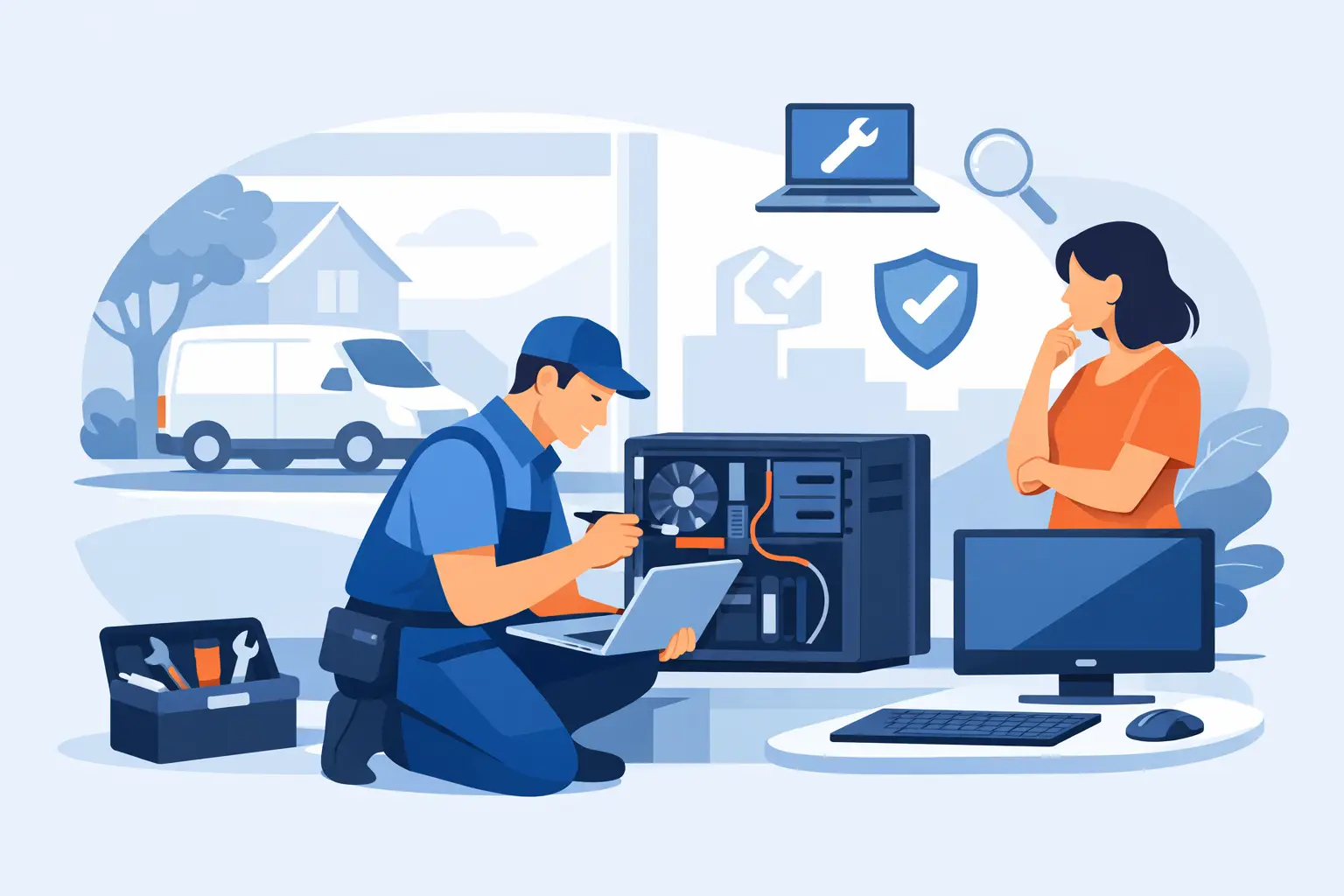
On-site repair gives the technician a chance to evaluate the full setup. That includes the modem or router, peripheral devices, cabling, wireless signal strength, startup behavior, software conflicts, and security settings. It also allows problems to be tested in real time under normal conditions. For a homeowner, that can mean fixing the issue in one visit instead of making repeated trips. For a business, it can mean less downtime for staff and fewer interruptions to daily operations.
There is also a convenience factor that matters more than people admit. Desktops are bulky. All-in-one systems are awkward to move. Some users depend on accessibility devices, custom settings, or connected equipment they would rather not disconnect. With on-site service, the computer stays where it belongs and the support comes to you.
What a good on-site technician should be able to fix
The search for onsite computer repair near me should lead to more than a company that replaces a hard drive or removes a virus. The best local providers can handle a broad range of issues because real-world problems rarely stay in one lane.
A strong technician should be comfortable diagnosing hardware failures, software crashes, operating system problems, startup errors, overheating, memory issues, storage failures, slow performance, and suspicious pop-ups. They should also be able to address practical support needs such as printer setup, email troubleshooting, network connectivity, Wi-Fi reliability, backup configuration, and system tune-ups.
For business customers, the expectations are usually higher. On-site support may need to include workstation troubleshooting, shared printer problems, email continuity, file access issues, antivirus management, patching, and basic network diagnosis. In some cases, what starts as a single broken PC turns out to be a larger reliability or security problem. That is why broad technical capability matters.
This is also where working with a one-stop provider makes sense. If the system is beyond repair or no longer cost-effective to keep, a company that also handles replacement options, setup, data transfer, and ongoing support can save you from starting over with a different vendor.
What to expect during an on-site repair visit
A professional visit should feel organized, not rushed or vague. The process usually starts with a conversation about what the computer is doing, when the problem started, and whether anything changed recently. That could include a software update, a suspicious email attachment, a power outage, or a new device added to the network.
From there, the technician should verify symptoms, test likely causes, and explain the issue in plain language. If the repair can be completed on site, that may involve removing malware, adjusting software settings, replacing a failed component, cleaning up startup items, correcting network settings, or improving system performance. If the problem requires more extensive shop work or parts ordering, you should be told why, what the next step is, and what your options are.
Good communication is not a bonus. It is part of the service. Customers should know what is being worked on, whether data is at risk, how long the repair may take, and what can be done to prevent the issue from returning.
How to choose the right local service
Not every company that appears in a search result for on-site repair offers the same level of care. Some focus only on quick fixes. Others have the experience to solve the immediate problem and spot underlying issues before they get worse.
Look for a provider that serves both residential and business customers if you want depth of experience. That usually means the team has seen a wider range of failures, security concerns, and network environments. It is also worth paying attention to whether the company offers remote support, in-shop service, and ongoing maintenance in addition to house calls. Flexible support options often reflect a more complete technical operation.
Responsiveness matters too. If your computer is critical for work, school, or daily communication, waiting several days for a callback is not practical. A dependable local company should take urgency seriously, show up prepared, and work efficiently without cutting corners.
Trust is another major factor, especially when personal files, financial information, saved passwords, business documents, or customer records are involved. You should feel confident that the technician respects privacy, handles equipment carefully, and does not recommend unnecessary work. Technical knowledge gets attention, but professionalism is what earns repeat business.
When on-site service makes the most sense
There are times when remote support is enough and times when bringing a system into a shop is the smarter move. But on-site service is often the best fit when the issue involves your environment, your network, multiple connected devices, or equipment that is difficult to move.
For homeowners, that includes desktop systems, home offices, printer and Wi-Fi problems, smart device conflicts, and situations where the internet works on one device but not another. It is also a strong choice for retirees or busy families who want a clear explanation and a working setup without the hassle of disconnecting everything.
For businesses, on-site support is especially valuable when downtime affects staff productivity, customer service, or access to critical files and email. If several devices are involved, a technician can identify whether the problem is isolated or systemic. That can make a big difference in how quickly operations return to normal.
There is one trade-off worth mentioning. Some complex repairs, especially motherboard-level failures or jobs requiring specialized parts and longer testing, may still need to be completed off site. A good technician will tell you that honestly instead of attempting a temporary fix that does not hold.
Why local experience matters in Central Florida
Working with a local provider brings practical advantages that go beyond distance. A company serving Lake County and Central Florida understands the needs of the area’s households, retirees, home-based professionals, and small businesses. They know that some customers need patient guidance, while others need fast technical execution with minimal disruption.
Local accountability matters too. When a technician serves communities like The Villages, Leesburg, Tavares, Mount Dora, and Lady Lake, reputation is built one visit at a time. That tends to produce better service, clearer communication, and a stronger commitment to getting the repair done right.
For many customers, the real goal is not just fixing one issue. It is finding a dependable technology partner who can help with future repairs, tune-ups, virus removal, backup planning, replacement systems, and preventive support. That is the difference between a one-time transaction and a service relationship that actually reduces stress.
Computer Tech Pro fits that role by combining on-site support, remote help, repair expertise, security-focused service, and replacement options for both homes and businesses across the region.
The real value behind the search
Most people do not search for computer repair because they have extra time on their hands. They search because something essential stopped working. Maybe it is a family computer with years of photos, a home office machine needed for income, or a business workstation holding up the day’s workflow.
That is why the right on-site service should do more than solve the symptom. It should restore confidence that your system is stable, your data is protected, and you know who to call the next time technology gets in the way.
If you are comparing options after typing onsite computer repair near me into a search bar, focus on the provider who offers real diagnosis, honest guidance, careful handling, and support that fits the way you actually use your technology. Fast help is good. Fast help that fixes the problem correctly is what really saves time.


