
Posted On 10 Jan 2026
Computers often give warning signs before a serious failure occurs. Recognizing these symptoms early can help prevent data loss, extended downtime, and more expensive repairs. While some minor issues can be resolved at home, certain problems indicate it is time to seek professional computer repair services.
One of the most common signs is a noticeable slowdown in performance. If your computer takes a long time to start, programs freeze frequently, or simple tasks feel unusually sluggish, there may be underlying hardware issues, failing storage, or software conflicts that require expert diagnosis.
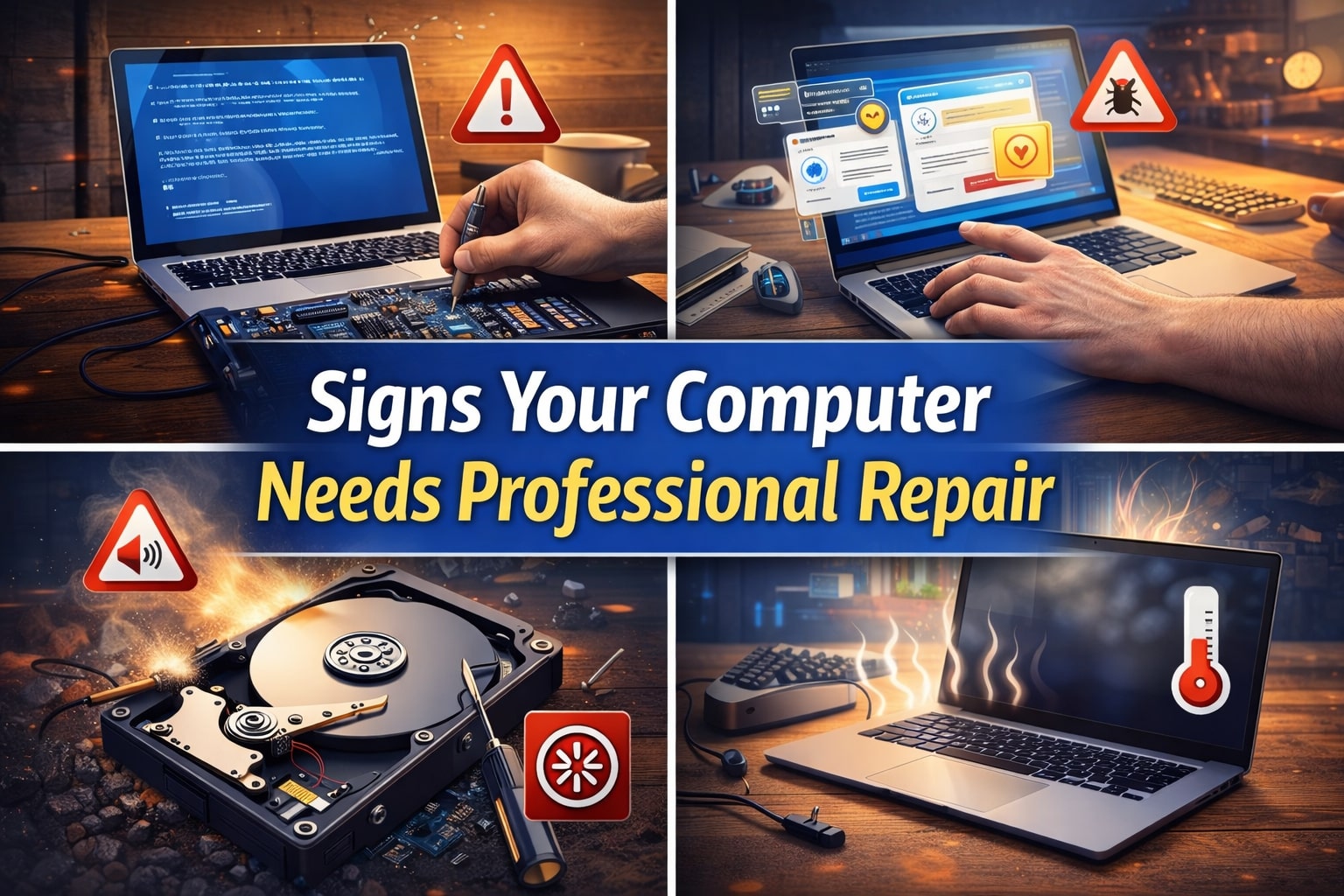
Frequent crashes or error messages are another red flag. Blue screens, random restarts, or applications closing without warning can point to failing hardware components, corrupted system files, or overheating. These issues are often difficult to fix without specialized tools and experience.
Unusual noises should never be ignored. Clicking, grinding, or loud fan sounds can indicate a failing hard drive, dust buildup, or cooling system problems. Continuing to use a computer with these symptoms increases the risk of complete hardware failure and permanent data loss.
Overheating is also a serious concern. If your computer feels excessively hot, shuts down unexpectedly, or the fans run constantly at high speed, internal components may be clogged with dust or the cooling system may be malfunctioning. Persistent overheating can damage critical parts such as the processor or motherboard.
Security-related issues are another sign professional help is needed. Pop-up ads, browser redirects, unknown programs, or repeated virus warnings may indicate malware or spyware infections. Improper removal attempts can make the problem worse or compromise sensitive data.
Finally, problems with power, charging, or displays often require expert attention. A laptop that will not hold a charge, a screen that flickers or goes black, or a computer that will not turn on at all typically involves hardware repairs best handled by a professional.
If you notice any of these warning signs, having your computer evaluated by a qualified technician can save time, protect your data, and extend the life of your system.


