
Posted On 04 Apr 2026
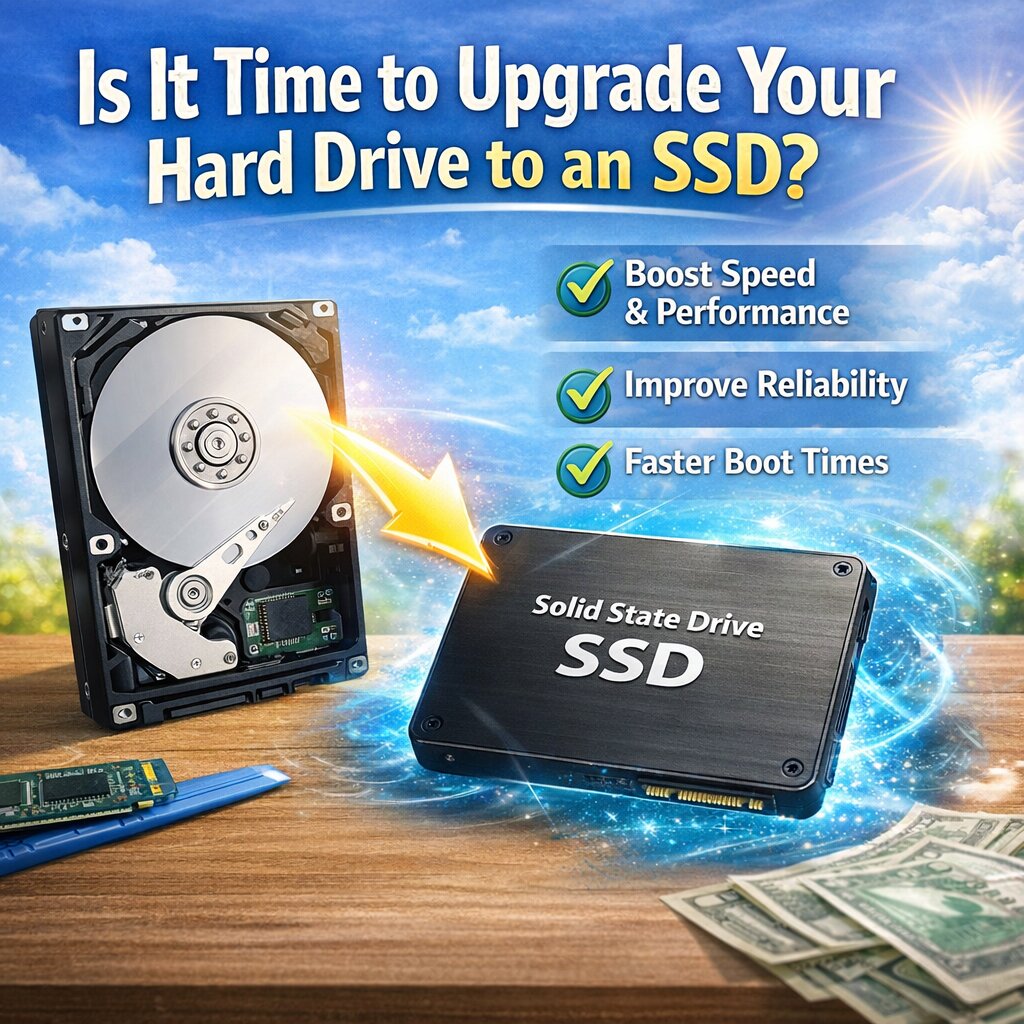
If your computer feels slow, takes forever to boot, or struggles to open programs, your hard drive could be the culprit. Traditional hard disk drives (HDDs) have been around for decades, but solid-state drives (SSDs) have quickly become the preferred upgrade for speed and reliability. So how do you know if it’s time to make the switch?
One of the biggest signs is slow performance. If your computer takes several minutes to start up or frequently lags when opening files or applications, an SSD can make a dramatic difference. Unlike HDDs, which rely on spinning disks, SSDs use flash memory—meaning data is accessed almost instantly.
Another reason to upgrade is improved reliability. HDDs have moving parts that can wear out over time, making them more prone to failure. SSDs have no moving components, which makes them more durable and less likely to fail due to physical damage or wear and tear.
You’ll also notice faster file transfers and better multitasking. Whether you’re browsing the web, editing documents, or running multiple programs, an SSD helps your system keep up without slowing down.
Many people assume upgrading is complicated or expensive, but it’s often one of the most cost-effective ways to breathe new life into an older computer. In most cases, you don’t need to replace the entire system—just swap the drive and transfer your data.
If your computer is more than a few years old or still running on a traditional hard drive, upgrading to an SSD is one of the best performance improvements you can make.
A faster, more reliable computer is just one upgrade away—and once you experience the difference, you’ll wonder why you didn’t do it sooner.


