
Posted On 08 Jan 2026
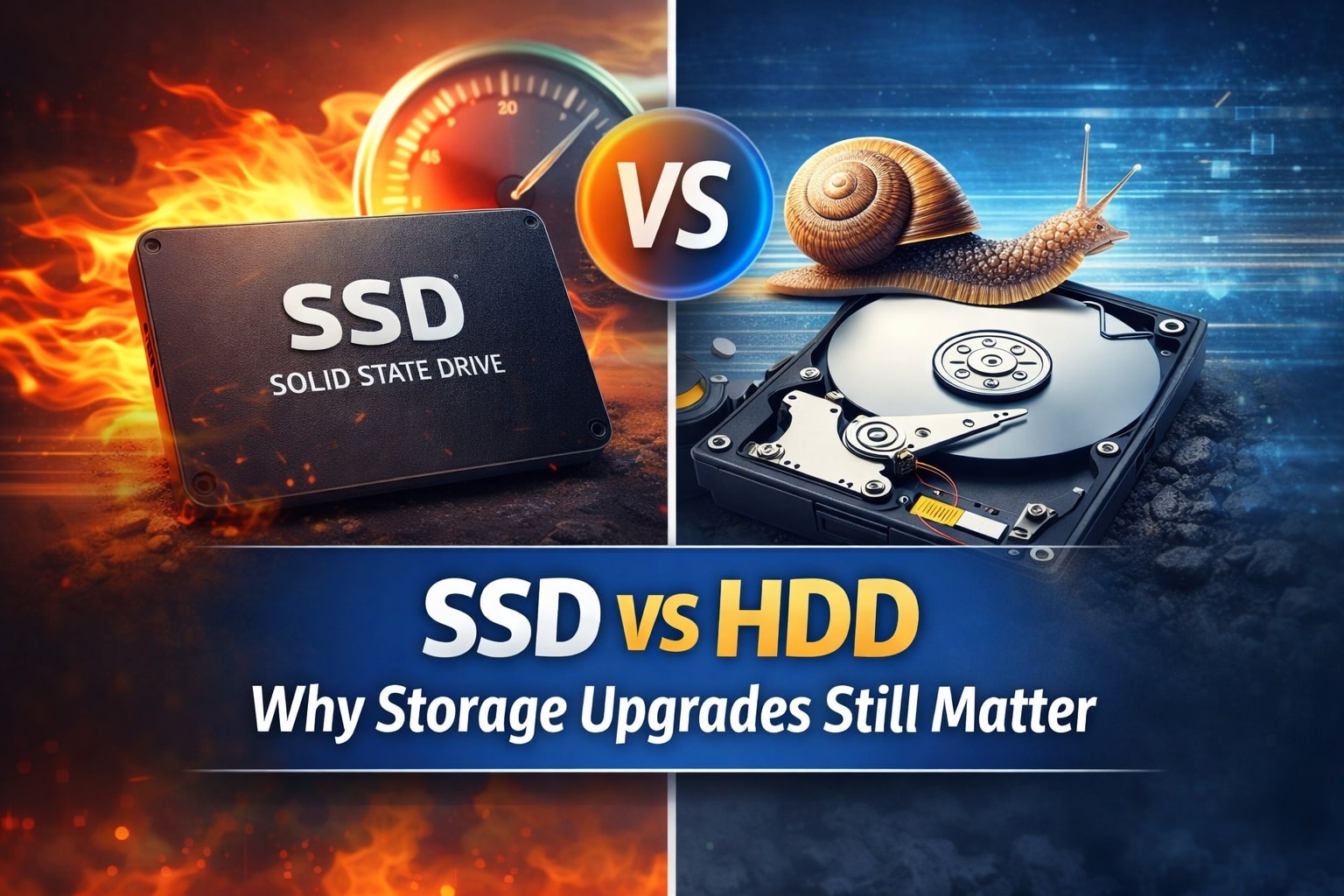
When a computer starts feeling slow, many people assume it is time to replace the entire system. In reality, one of the most impactful and cost-effective upgrades is improving your storage. Understanding the difference between traditional hard disk drives (HDDs) and solid-state drives (SSDs) helps explain why storage upgrades still matter today.
HDDs have been around for decades and store data on spinning magnetic platters. While they offer large capacities at a lower cost, they are mechanically limited. Because an HDD relies on moving parts, it takes longer to access files, boot the operating system, and load applications. Over time, these mechanical components can also wear out, increasing the risk of failure and data loss.
SSDs, on the other hand, use flash memory with no moving parts. This allows them to access data almost instantly. Computers equipped with SSDs typically boot in seconds, open programs faster, and feel far more responsive during everyday tasks like web browsing, email, and document editing. In addition to speed, SSDs are more durable, quieter, and generate less heat than traditional hard drives.
For many home users, upgrading from an HDD to an SSD can make an older computer feel brand new. Even systems that are five to ten years old often see dramatic performance improvements after a storage upgrade. Faster storage also reduces wait times for system updates and improves overall reliability, especially when combined with regular backups.
While SSD prices were once a barrier, they have become much more affordable, making them one of the best performance-per-dollar upgrades available. Whether you are frustrated with slow startup times or frequent freezing, upgrading your storage can extend the life of your computer and improve your daily experience.
If you are unsure which option is best for your system, a professional evaluation can help determine the right storage solution for your needs and budget.


