
Posted On 14 Apr 2026
Your laptop battery is one of the most important components of your device, yet it’s often overlooked until it starts losing charge quickly. With a few simple habits, you can extend your battery’s lifespan and keep your laptop running efficiently for years.
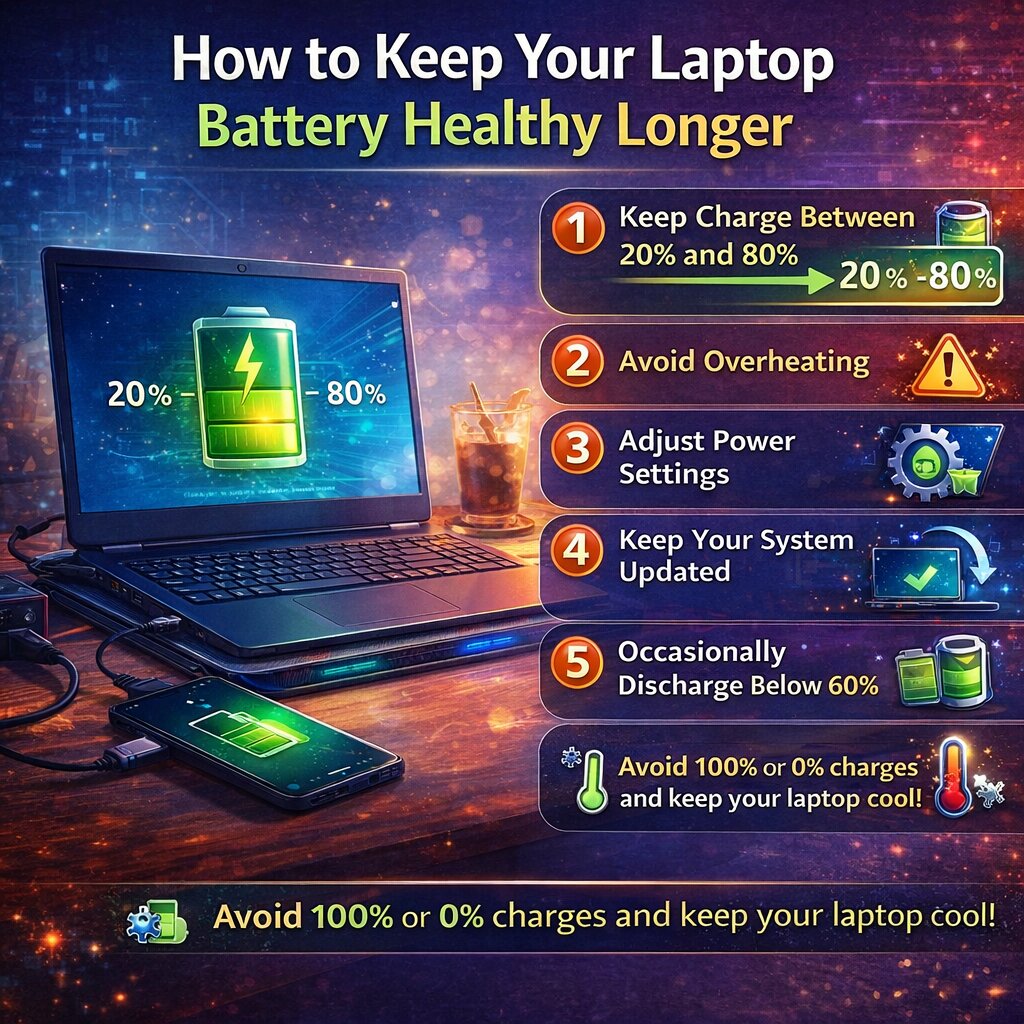
One of the most effective ways to protect your battery is to avoid keeping it at 100% charge all the time. Modern lithium-ion batteries perform best when kept between 20% and 80%. Constantly charging to full capacity or letting it drain to 0% can shorten its overall lifespan.
Heat is another major factor that affects battery health. Laptops generate heat during use, especially when running demanding programs. Make sure your laptop has proper ventilation, avoid using it on soft surfaces like beds or couches, and consider using a cooling pad if you notice excessive heat.
You should also adjust your power settings. Lowering screen brightness, turning off Bluetooth when not in use, and enabling battery saver modes can reduce strain on the battery. These small changes add up and help preserve long-term performance.
Keeping your system updated is equally important. Software updates often include battery optimization improvements, helping your device run more efficiently.
If you mostly use your laptop plugged in, consider occasionally discharging it to around 40–60% before recharging. This helps maintain proper battery calibration and prevents wear from constant charging cycles.
Finally, be mindful of background apps and processes. Too many programs running at once can drain your battery faster than necessary. Close unused apps and monitor activity through your system settings.
By following these simple steps, you can extend your laptop’s battery life, improve performance, and avoid the cost of early replacement. A little care goes a long way in keeping your device running strong.


