

Posted On 10 May 2026
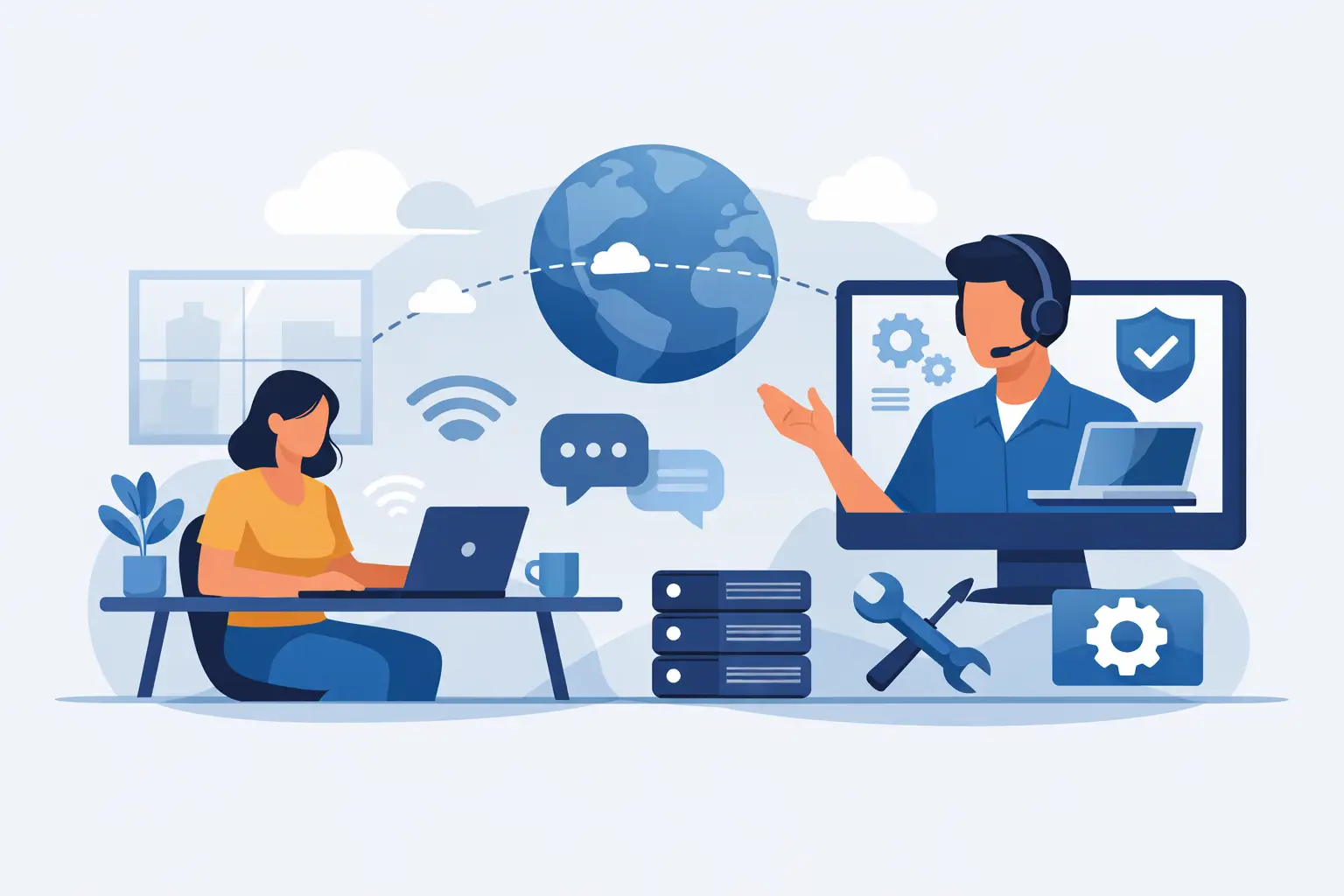
A frozen email app at 8:15 a.m. can throw off an entire workday. A suspicious pop-up on a home computer can turn a simple web search into a real security concern. This is where remote computer support services earn their value. When the problem is inside the system rather than inside the hardware, getting expert help through a secure remote session is often the fastest way to get things working again.
For many households and small businesses, speed matters just as much as the fix itself. Packing up a desktop, disconnecting cables, or waiting days for an appointment is not always practical. Remote support gives customers a way to get professional help where the computer already sits, whether that is a home office in The Villages, a front desk in Leesburg, or a family room in Mount Dora.
What remote computer support services actually cover
A lot of people hear the word remote and assume it only applies to very basic issues. In reality, a remote session can solve a wide range of problems as long as the device still powers on, connects to the internet, and allows access to the operating system.
That includes slow performance caused by unnecessary startup programs, software errors, email setup problems, printer connection issues, browser trouble, failed updates, and many forms of virus or malware cleanup. Remote support is also useful for installing software, adjusting system settings, removing unwanted applications, troubleshooting Microsoft 365 issues, and helping users understand what changed after an update.
For business customers, remote assistance can also help with user account issues, shared folder access, application problems, backup software checks, and certain network-related troubleshooting. For home users, it can be as simple as fixing a computer that suddenly feels sluggish or stopping repeated security warnings that keep interrupting normal use.
The key point is this: if the issue can be diagnosed and corrected through the screen, keyboard, and system tools, remote service can often handle it quickly.
Why people choose remote computer support services
Convenience is the obvious benefit, but it is not the only one. The real advantage is efficiency. A technician can observe the problem directly, run diagnostics, make corrections, and confirm the result in one session. That reduces back-and-forth guessing and often shortens downtime.
For home users, this means less disruption. There is no need to unplug a computer from a desk, load it into a car, and set everything back up later. For older adults or busy families, that convenience matters. If the issue is software-based, remote help can be the most practical option available.
For small businesses, the value is even clearer. Every hour of downtime can affect staff productivity, customer service, and revenue. If an employee cannot access email, a line-of-business application, or a shared resource, remote support can often restore access faster than waiting for an on-site visit. That quick response helps keep the business moving while still giving the issue proper attention.
There is also a cost consideration. Remote service can be more affordable than dispatching a technician on-site for a problem that does not require physical hands on the machine. That does not make it a lesser service. It simply means the solution is matched to the problem.
When remote support is the right fit and when it is not
This is where experience matters. Not every computer problem should be handled remotely.
Remote support is a strong fit when the system turns on, the internet works well enough to maintain a session, and the issue involves software, settings, user access, security cleanup, or performance tuning. It is also ideal when a user needs guidance in real time, such as setting up email, connecting a device, or understanding an error message.
It is not the best fit when the computer will not power on, the screen is physically damaged, the hard drive is failing, the charging port is broken, or the machine has suffered liquid damage. Hardware upgrades, internal cleaning, power supply replacement, and certain network wiring issues also require in-person service.
Sometimes the answer is not either-or. A remote session can be the first step. It allows a technician to identify whether the issue is fixable immediately or whether an on-site or in-shop repair is the safer next move. That saves time because the visit, if needed, is based on a clearer diagnosis rather than a rough guess.
Security matters in remote support
One of the biggest concerns customers have is privacy. That concern is reasonable. A computer often contains personal documents, saved passwords, financial information, business records, or client communications. Any remote session should be handled with care, transparency, and clear permission.
Professional remote support should never feel casual. The customer should know when the session begins, what the technician is accessing, and what work is being performed. Good service also means using trusted tools, limiting access to what is necessary, and respecting the customer’s information throughout the process.
For businesses, this is even more important. Remote assistance should support security, not weaken it. A qualified technician will pay attention to user permissions, antivirus status, suspicious behavior, update gaps, and other warning signs that may have contributed to the issue in the first place.
That is one reason many customers prefer working with an established local provider rather than an anonymous call center. Trust is easier to build when the company is accountable to the same community it serves.
What to expect during a remote support session
The best remote support is straightforward. The customer explains the problem, the technician confirms symptoms, and a secure connection is established so the system can be viewed directly. From there, diagnostics begin.
A good technician will usually check for the simplest explanation first. Is the issue caused by a recent update, a software conflict, a misconfigured setting, or malware activity? Are startup items slowing the system down? Is email failing because of account settings, password errors, or a connectivity issue? Solving problems efficiently is not about rushing. It is about knowing where to look first.
During the session, the customer may be asked to approve actions, provide login information for email or software accounts, or test the result once changes are made. When the work is complete, the technician should explain what was fixed in plain language and note any follow-up recommendations.
That last part matters. Sometimes a quick repair solves the immediate issue but reveals a larger concern, such as an aging drive, outdated security software, weak backup practices, or repeated signs of malware exposure. The best support addresses the current problem while helping prevent the next one.
Remote support for homes and local businesses
Home users and business users often call for different reasons, but they are looking for the same thing: a dependable fix without unnecessary delay.
At home, remote support often helps with virus removal, tune-ups, software installation, account access, printer setup, and general troubleshooting. Many customers simply want the computer to work normally again and want someone to explain the issue without jargon.
In a business setting, remote service often supports daily operations. That may involve resolving software errors, restoring email access, checking endpoint security, troubleshooting backups, or helping employees reconnect to shared resources. For a small company without a full internal IT department, responsive remote support can fill an important gap.
That is why a company like Computer Tech Pro can be valuable to both groups. The same service model that helps a homeowner remove malware quickly can also help a local office reduce downtime and keep staff productive.
Choosing a provider for remote computer support services
Not all support is equal. Customers should look for a provider that communicates clearly, responds promptly, and knows when remote service is enough and when an in-person repair is the better call. Technical skill matters, but honesty matters too.
A good provider does not oversell remote help for hardware problems that need hands-on repair. They also do not make simple issues sound more complicated than they are. The goal should always be to solve the problem correctly, efficiently, and with respect for the customer’s time and data.
That balance is especially important in Central Florida communities where many customers want expert help without the pressure or confusion that often comes with tech support. They want a real answer, a practical fix, and the confidence that their computer is in capable hands.
When your system is acting up, the best support is not always the most complicated option. Sometimes the fastest path back to normal is a secure remote session, a knowledgeable technician, and a clear plan to fix what is wrong while protecting what matters most.


