

Posted On 26 May 2026
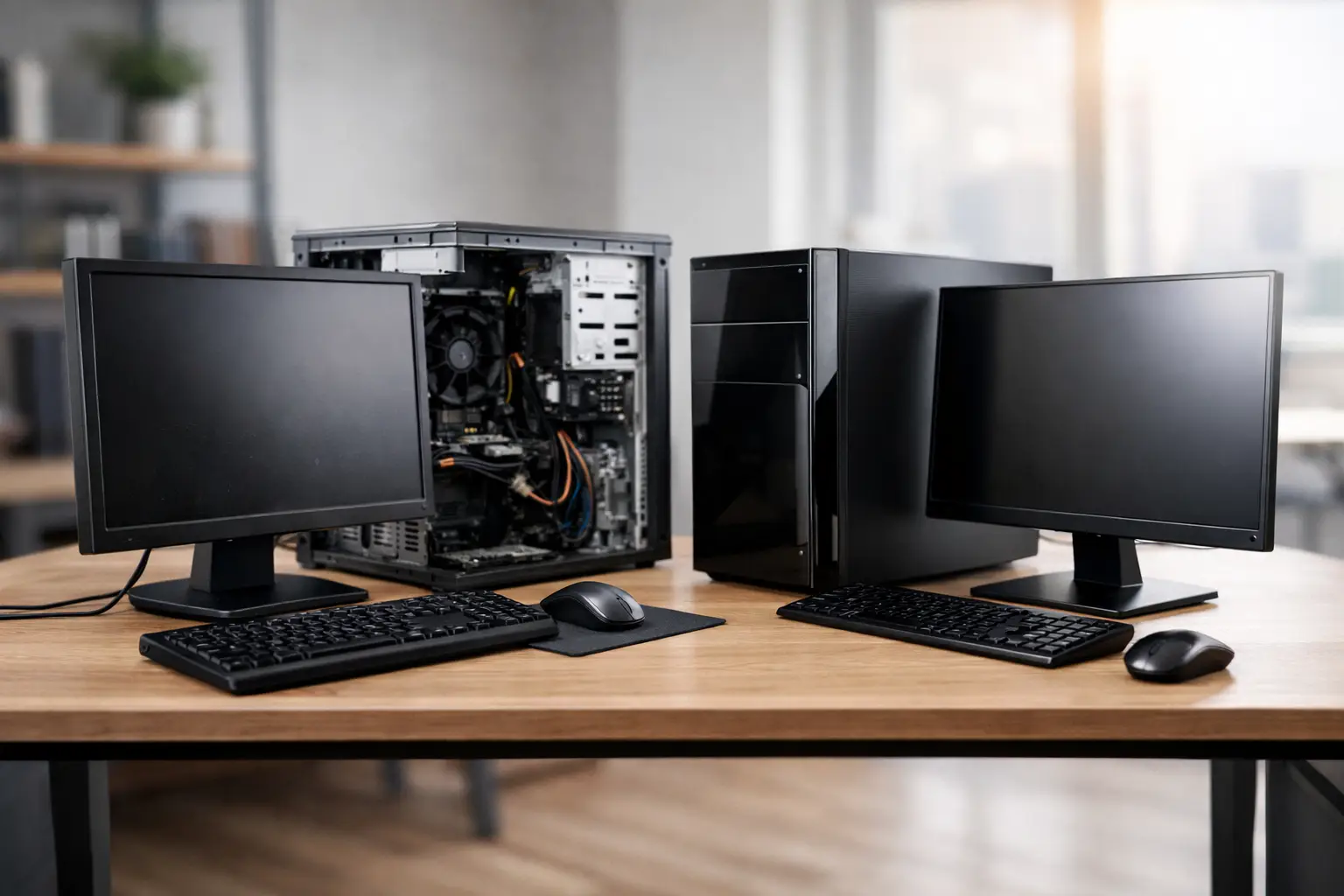
A computer purchase usually feels simple until the price gap shows up. A brand-new system may look like the safest choice, but when you compare refurbished computers versus new, the better fit often depends on how you plan to use the machine, how long you need it to last, and how much downtime you can afford.
For homeowners, families, and local businesses, this decision is less about hype and more about value. The right computer should handle your daily work without frustration, protect your data, and stay dependable over time. That is why it helps to look past the label and focus on what you are actually getting.
Refurbished computers versus new: what is the real difference?
A new computer is exactly what it sounds like – factory fresh, unused, and sold with the manufacturer’s original packaging and standard warranty. It typically includes the latest generation processor, current design, and up-to-date components.
A refurbished computer is not the same thing as a used computer sold as-is by a private seller. A properly refurbished system has been inspected, tested, cleaned, repaired if needed, and verified for resale. In many cases, business-grade machines are refurbished after light office use, which means the hardware may still have a lot of useful life left.
That distinction matters. A random used laptop from an online marketplace can be a gamble. A professionally refurbished computer, especially one sold through a qualified provider, is a different category altogether.
Where refurbished systems often make more sense
If your needs are practical, refurbished can be the smarter buy. Many people do not need the newest processor or the thinnest case design. They need a computer that starts quickly, runs everyday programs well, supports video calls, and stores files safely.
For email, web browsing, Office applications, accounting software, schoolwork, and standard business tasks, a refurbished system can deliver excellent performance at a much lower cost. That is especially true when the machine was built for business use in the first place. Business-class desktops and laptops are often made with better construction, easier serviceability, and longer-lasting components than many low-cost consumer models.
For small businesses, the savings can be even more important. Outfitting several workstations with new computers can strain a budget fast. Refurbished units may allow a company to replace aging machines sooner, improve reliability, and keep operations moving without overspending.
When buying new is worth it
There are situations where a new computer is clearly the better choice. If you need top-end performance for video editing, engineering software, 3D design, gaming, or other demanding workloads, newer hardware may offer a real advantage. The same goes for users who want the latest ports, battery improvements, graphics capabilities, or AI-ready chipsets.
New computers also make sense when long-term lifecycle matters more than upfront cost. If you want the maximum possible runway for future software updates and hardware compatibility, buying current-generation equipment can stretch the replacement timeline.
For some buyers, there is also peace of mind in getting full manufacturer support from day one. That can matter if the system is mission-critical or if company purchasing policies require brand-new hardware.
Cost is important, but it is not the whole story
Price is usually the first reason people consider refurbished equipment, and for good reason. The difference can be significant. A refurbished business desktop or laptop may cost hundreds less than a comparable new model.
Still, the cheapest option is not always the best value. What matters is what you get for the money. A low-end new computer can sometimes be slower, less durable, and harder to upgrade than a refurbished business-grade machine in the same price range. That is where buyers can get misled. New does not automatically mean better.
Value comes from the full picture: processor generation, memory, storage type, build quality, battery condition, warranty coverage, and whether the device has been properly tested. A refurbished system with a solid-state drive, enough RAM, and professional inspection may feel faster and more reliable than a bargain new model with weaker parts.
Reliability depends on who did the refurbishing
This is where many decisions are won or lost. The quality of a refurbished computer depends heavily on the refurbishing process. If the device has been cleaned up cosmetically but not thoroughly tested, you may run into battery problems, drive failure, overheating, or software issues sooner than expected.
A trustworthy refurbisher should verify hardware health, install a legitimate operating system, apply updates, and confirm the system is stable under real use. If anything is worn or failing, it should be replaced before the computer is sold.
That is why local support matters. Buying from a business that stands behind the equipment gives you a place to call if something is not right. For many customers, especially those who are not highly technical, that support is as valuable as the hardware itself.
Refurbished computers versus new for home users
For home users, the right choice usually comes down to usage patterns. If the computer is mainly for email, bill paying, telehealth visits, online shopping, photos, and basic document work, refurbished is often the practical winner. You can get a dependable machine without paying for power you will never use.
This can be especially helpful for retirees, students, and families with multiple computers in the house. A refurbished desktop for the home office or a refurbished laptop for travel can reduce costs while still providing solid day-to-day performance.
The main caution is to buy with support in mind. If a home user is uncomfortable troubleshooting problems alone, the source of the computer matters just as much as the specs. Clear setup help, malware protection, and responsive follow-up can make the experience much better.
Refurbished computers versus new for small businesses
Business buyers should look beyond sticker price and think about uptime. If an office computer fails, the real cost is lost work, staff delays, and potential disruption to customer service. That means reliability and support should lead the conversation.
Refurbished systems can be an excellent fit for front desk stations, administrative work, accounting, point-of-sale support, and general office tasks. They are also useful for expanding teams, replacing failed machines quickly, or creating spare workstations without a large capital expense.
New systems may be the better route for specialized roles, executives who travel constantly, or businesses standardizing around a current hardware platform. It depends on workload, replacement schedule, and how critical each device is to daily operations.
A mixed approach often works best. Some businesses choose new computers for power users and refurbished units for standard office roles. That keeps costs under control without sacrificing performance where it matters most.
What to check before you decide
Whether you choose refurbished or new, a few details deserve close attention. Start with the processor, RAM, and storage. For most users today, a solid-state drive and adequate memory make a bigger difference in everyday speed than flashy marketing claims.
Ask about warranty length and what it actually covers. A shorter but meaningful warranty from a responsive local provider can be more useful than a longer warranty with difficult support. If you are considering a laptop, check battery condition and replacement options.
For business purchases, confirm operating system compatibility, security settings, and whether your current software will run properly. If data migration or setup is needed, factor that into the total cost. The computer itself is only part of the project.
It also helps to ask how the device was refurbished. Was it tested thoroughly? Were failing parts replaced? Was the system updated and cleaned? Clear answers usually signal a seller who takes quality seriously.
The better choice is the one that fits your real workload
There is no single winner in the refurbished computers versus new debate. A new system gives you the latest hardware, full product lifecycle, and often stronger long-term flexibility. A refurbished system can deliver excellent reliability and performance at a much better price, especially for common home and office needs.
What matters most is buying with purpose. If the computer will handle routine tasks and you want strong value, refurbished may be the smart move. If your work is demanding, highly specialized, or tied to the newest hardware features, new may be worth the extra investment.
For many buyers in Central Florida, the best outcome comes from getting honest guidance before spending money. A dependable computer should match your workload, your budget, and your support needs – and when those pieces line up, the purchase tends to work out well long after the box is opened.


