
Posted On 03 Mar 2026
Spring is the perfect time to refresh more than just your home—it is also an ideal opportunity to clean up your computer. Over time, unused files, outdated software, and overlooked security settings can slow performance and increase the risk of problems. A proper digital spring cleaning helps restore speed, reliability, and peace of mind.
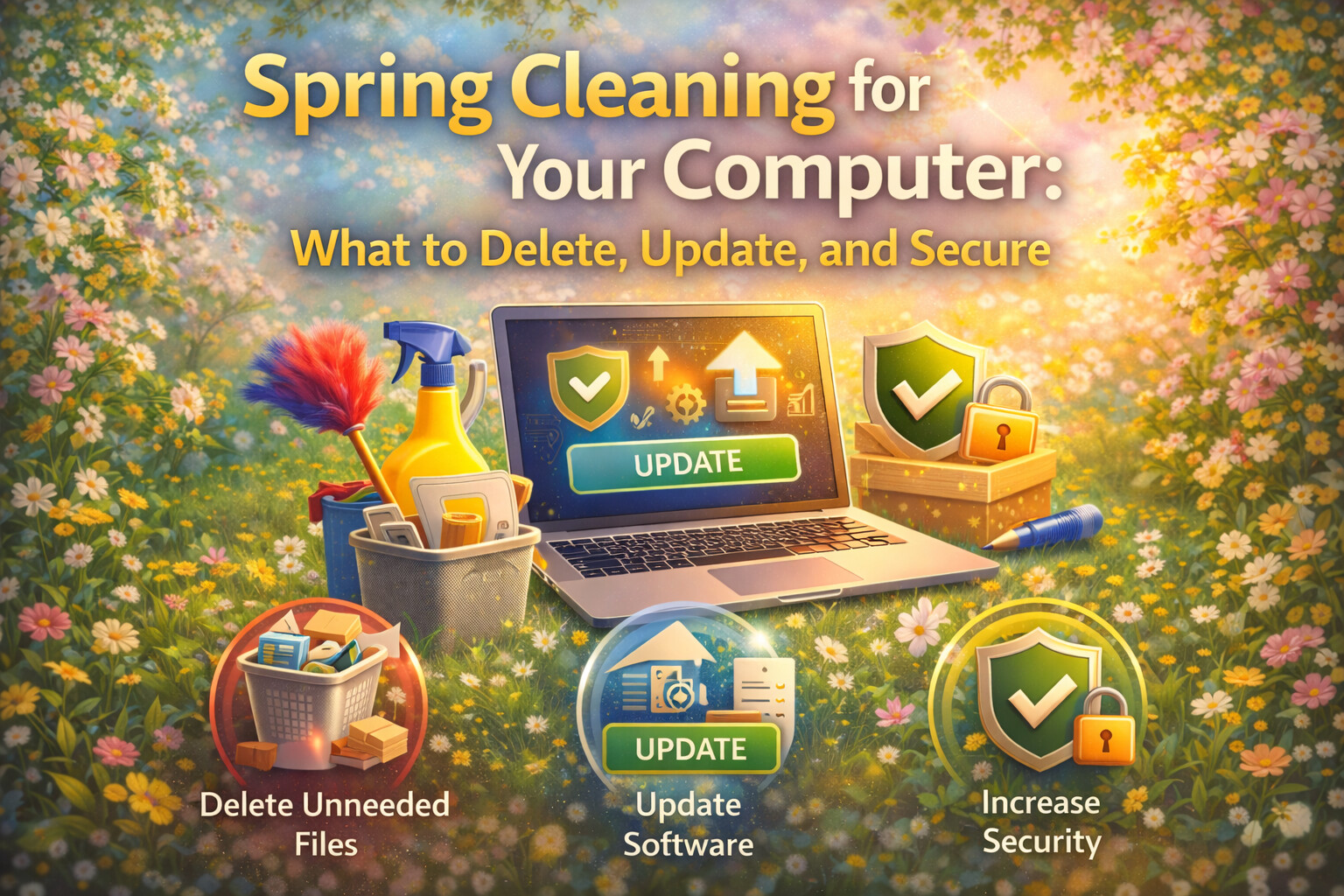
Start by deleting what you no longer need. Temporary files, old downloads, duplicate photos, and unused applications take up valuable storage space and can slow your system. Review your programs list and remove software you no longer use, especially trial programs or applications installed years ago. Clearing your browser cache and unnecessary extensions can also improve performance and security.
Next, focus on updates. Operating system updates, application patches, and driver updates often include important security fixes and performance improvements. Delaying updates leaves your computer vulnerable to known threats. Make sure your operating system, web browsers, antivirus software, and commonly used programs are fully up to date.
Security should be a top priority during a spring cleanup. Change weak or reused passwords and enable multi-factor authentication where available. Run a full malware scan to detect any hidden threats that may be affecting performance or compromising data. Review your startup programs and disable anything unfamiliar or unnecessary.
Backups are another critical part of spring cleaning. Confirm that important files, photos, and documents are backed up properly and can be restored if needed. If you do not currently have an automatic backup system, now is the time to set one up.
A thorough computer spring cleaning can significantly improve performance and reduce the risk of future issues. If the process feels overwhelming or your system still runs slowly afterward, a professional tune-up can ensure everything is cleaned, updated, and secured correctly for the months ahead.


