

Posted On 27 May 2026
Buying a desktop should feel straightforward, but for many people it turns into a guessing game fast. If you are trying to figure out how to choose desktop computer options for your home or business, the real goal is not finding the most expensive machine. It is finding the right fit for the work you actually do, the software you rely on, and the lifespan you expect from the system.
That matters because a desktop is usually a longer-term purchase than a phone or tablet. Choose well, and you get years of reliable performance. Choose poorly, and you may end up paying twice – once for the computer and again for upgrades, downtime, or a replacement much sooner than expected.
How to choose desktop computer needs before specs
The best place to start is not with processor names or memory charts. Start with use case. A retired homeowner checking email, paying bills, joining video calls, and storing photos does not need the same system as a small business running accounting software, multiple monitors, cloud apps, and constant printing and scanning.
For home users, the key question is usually whether the computer will be used for basic tasks, creative work, or something more demanding like gaming. For business users, the better question is how much downtime would cost if the system slows down or fails. That difference changes what counts as a smart purchase.
If your daily work is web browsing, email, Microsoft Office, streaming, and light file storage, an entry-level to mid-range desktop is often enough. If you edit photos, work with large spreadsheets, use design software, or keep many programs open at once, you need more memory and a stronger processor. If you handle video editing, 3D design, engineering applications, or modern games, performance becomes a much bigger priority.
Pick the desktop type that fits the space
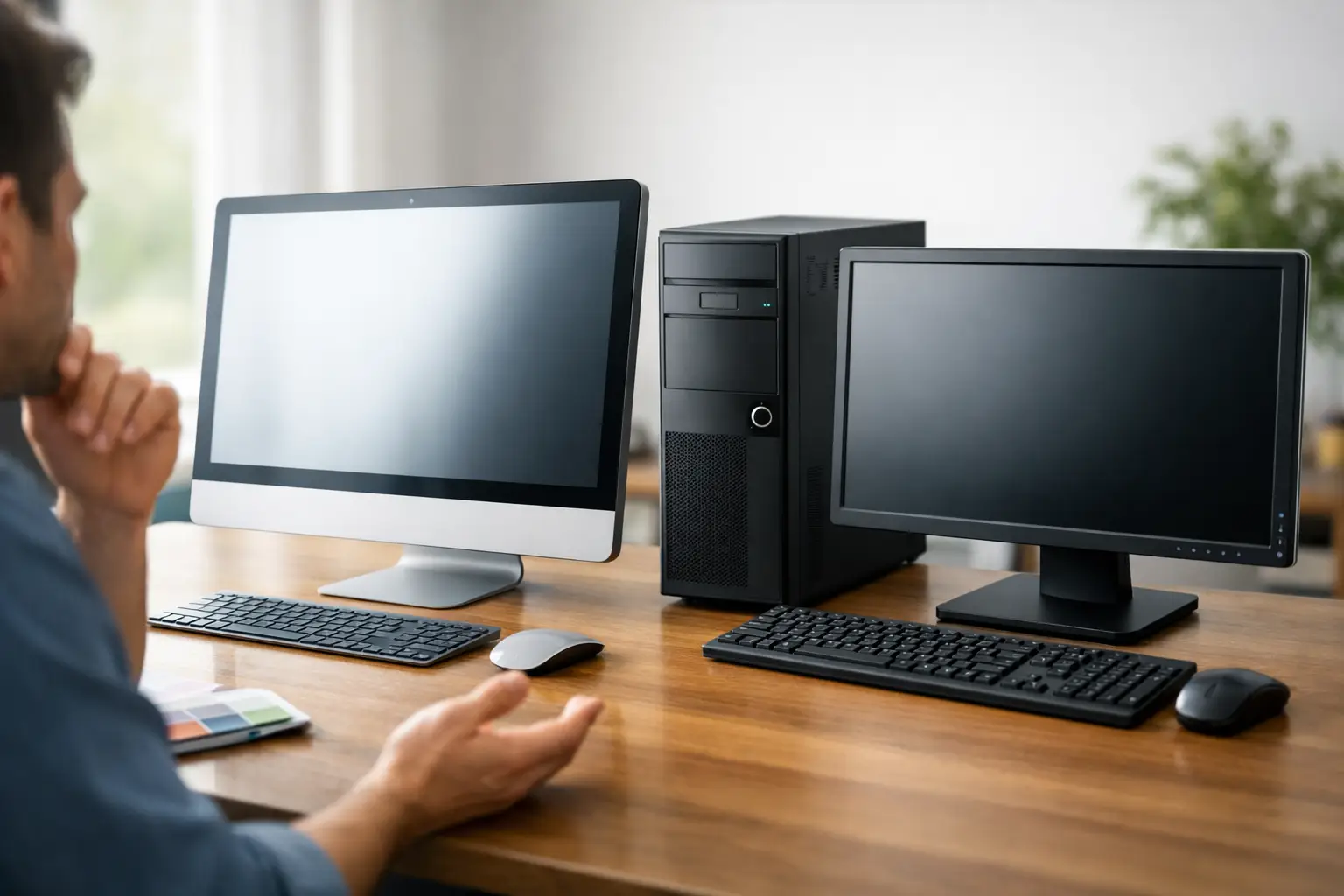
Not every desktop is built the same way. Traditional towers are still the most flexible option because they usually offer better airflow, easier repairs, and more room for upgrades. If you want a computer that can grow with you, a tower is often the safer choice.
Small form factor desktops take up less room and can be a good fit for front desks, home offices, and workstations with limited space. The trade-off is that they are often less upgrade-friendly and may have fewer ports or expansion options.
All-in-one desktops save space and reduce cable clutter because the computer is built into the display. They look clean and work well for some home and office setups, but they can be harder and more expensive to repair. If the screen fails, you may be dealing with the whole system, not just a monitor.
This is one of the biggest places where buyers make the wrong assumption. A compact or stylish machine can look appealing, but if serviceability and long-term value matter, larger systems often win.
Focus on the parts that affect real-world performance
When people ask how to choose desktop computer models, they often get buried in technical terms. You do not need to memorize every specification. You just need to know which components have the biggest impact.
Processor
The processor, or CPU, handles the main workload. For basic use, a modern mid-range processor is usually more than enough. For business multitasking or creative software, stepping up to a stronger CPU makes a noticeable difference. Spending more here makes sense when you regularly run demanding programs. It makes less sense if your tasks are mostly light.
Memory
Memory, or RAM, affects how smoothly the computer handles multiple tasks at once. For many users, 8GB is the minimum worth considering today. For a better experience, especially in a business setting, 16GB is often the smarter target. If you use heavy applications, more may be worthwhile.
Too little RAM is one of the most common reasons a computer feels slow even when the processor is decent. This is why bargain systems can disappoint so quickly.
Storage
Storage matters for both speed and capacity. A solid-state drive, also called an SSD, should be the standard. It makes startup times faster, programs load quicker, and the system feels more responsive overall. Traditional hard drives are cheaper for large storage, but they are much slower.
For most users, a desktop with an SSD is the better investment. If you need a lot of file storage, you can pair a solid-state drive for speed with additional storage for larger files and backups.
Graphics
Many desktops use integrated graphics, which are built into the processor. That is fine for web use, office work, streaming, and standard business tasks. A dedicated graphics card is more important for gaming, video editing, CAD work, or other graphically intensive applications.
This is an area where overspending is common. If you do not play games or run visual production software, you may not need a separate graphics card at all.
Think beyond the computer itself
A desktop purchase is not just about the box. You should also consider the monitor, keyboard, mouse, webcam, speakers, printer compatibility, and internet connection. For business users, add docking needs, network access, backup systems, and security requirements.
Ports matter more than many buyers expect. Check for enough USB ports, video outputs for your monitor setup, audio connections, and reliable network options. If you need dual monitors, do not assume every desktop supports them the way you want.
Operating system preference matters too. Most buyers want a system that works smoothly with the software they already use. If your accounting software, business application, or home printer setup depends on a certain platform, that should guide your decision before anything else.
Budget the right way
A low sticker price can be expensive in the long run. If a machine struggles after a year, cannot be upgraded, or causes repeated slowdowns, the savings disappear quickly. For home users, the better value is often a dependable mid-range system instead of the cheapest one on the shelf. For businesses, reliability is usually worth more than shaving a small amount off the upfront cost.
It also helps to think in terms of total ownership. Ask how long you want the system to last, whether it can be upgraded, what warranty protection is included, and how easy it will be to repair if something goes wrong.
Refurbished desktops can be a smart option when they come from a trusted source and have been properly tested. For some households and offices, that can provide excellent value. The key is making sure the hardware is still appropriate for current software and security needs.
Home users and business users should buy differently
A home desktop can usually be chosen based on comfort, speed, and everyday convenience. A business desktop needs to be judged more strictly. Security, backup planning, application compatibility, and uptime all matter more in a work environment.
If you run a small office, it is smart to standardize systems when possible. That makes support easier, simplifies updates, and reduces compatibility issues. It also helps when replacing a machine quickly becomes necessary.
For home users, noise level, desk space, and ease of use may be more important. For business users, remote support compatibility, data protection, and dependable performance under daily workload should lead the decision.
When custom builds make sense
Prebuilt desktops work well for many buyers, but they are not always the best answer. A custom-built system can make sense if you need a specific mix of performance, storage, graphics power, or upgrade flexibility. It can also help avoid paying for features you do not need.
That said, custom is not automatically better. If the workload is simple and the budget is tight, a well-chosen standard desktop may be the more practical option. The right answer depends on how specialized your needs are and whether future upgrades are likely.
Mistakes to avoid when choosing a desktop computer
One common mistake is buying based only on brand name. Even trusted brands offer both strong and weak models. Another is assuming more expensive always means better. Sometimes you are paying for design, bundled extras, or features that do not matter for your actual use.
People also underestimate support. If something goes wrong, having a knowledgeable local team available can save time, stress, and data loss. That is especially true for business owners who cannot afford extended downtime or families who want clear guidance without technical confusion.
If you are unsure, having an experienced technician match the system to your real needs is often the most cost-effective move. A company like Computer Tech Pro can help customers avoid overbuying, underbuying, and ending up with a desktop that looks good on paper but does not serve them well day to day.
The right desktop should make your life easier from the start. If the system fits your work, your space, and your budget, you will feel that decision every time it starts quickly, runs reliably, and stays out of your way.


