
Posted On 12 Jul 2025
Upgrading your computer can breathe new life into your machine, boosting speed, functionality, and compatibility. But before diving into a component swap, there are a few crucial factors to keep in mind to ensure your investment pays off.
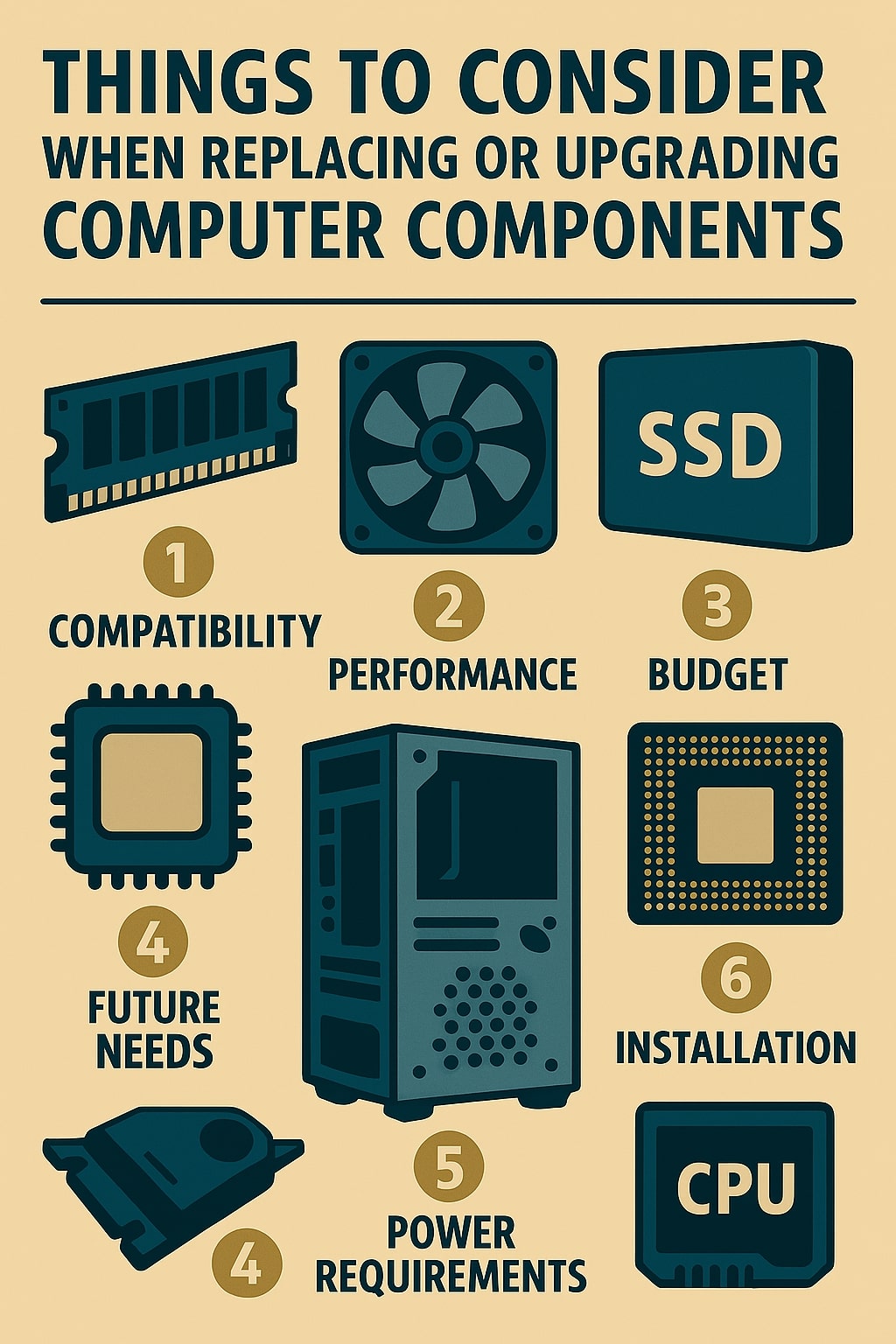
- Compatibility Is Key Not every shiny new part will play nicely with your current setup. Before buying, check compatibility with your motherboard, power supply, and case dimensions. For example, a high-end graphics card may require more power or a larger case than your current build allows.
- Determine Your Goals Are you gaming, editing videos, or just speeding up everyday tasks? Your purpose will shape your upgrade path. Gamers might prioritize GPU and RAM, while content creators may benefit more from a powerful CPU and additional storage.
- Budget Strategically A well-balanced system beats a single high-end component surrounded by outdated parts. Allocate your budget to minimize performance bottlenecks. Sometimes, a modest upgrade across multiple parts provides a smoother experience than a single major purchase.
- Don’t Forget the Power Supply Upgrading components like GPUs or CPUs may increase your system’s power demands. Make sure your PSU can handle the load, both in wattage and connector type, to avoid instability or hardware failure.
- Keep Cooling in Mind Newer or more powerful components often generate more heat. Consider whether your existing fans or heatsinks are sufficient, especially if you’re swapping in a more powerful CPU or GPU. Thermal paste and airflow planning go a long way.
- Backup and Update Software Before starting any upgrade, back up your important files. Once complete, install any necessary drivers or firmware updates to ensure everything runs smoothly.
With a thoughtful approach, hardware upgrades can extend your system’s life and performance without the need for a brand-new machine.


