
Posted On 02 Apr 2026
Just like your home, your computer benefits from a good spring cleaning. Over time, unused programs, temporary files, and background processes can slow your system down. The good news is that with a few simple steps, you can boost performance and make your computer feel like new again.
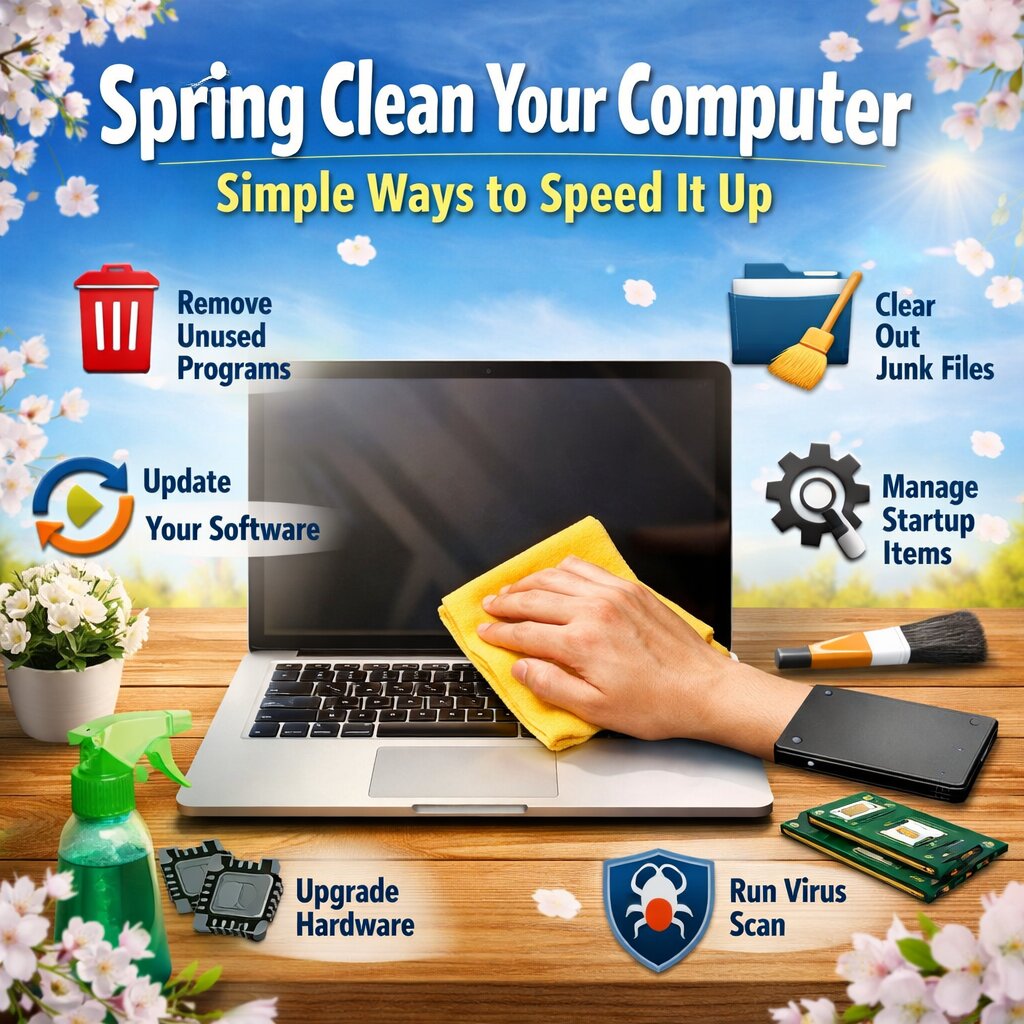
Start by removing unnecessary programs. Go through your installed applications and uninstall anything you no longer use. Many programs run in the background, taking up valuable system resources even when you’re not actively using them.
Next, clean up temporary files and junk data. Tools like Windows Disk Cleanup or built-in storage settings can help you safely remove files that are no longer needed. This frees up space and can improve overall system speed.
Another key step is to manage startup programs. Many applications automatically launch when your computer starts, which can significantly slow down boot time. Disable non-essential startup items through Task Manager (Windows) or System Settings (Mac).
Don’t forget to update your system and software. Updates often include performance improvements and security patches that keep your computer running efficiently and safely.
You should also run a virus and malware scan. Hidden threats can slow down your system and put your data at risk. Make sure your antivirus software is up to date and perform a full scan.
Finally, consider a hardware upgrade if your computer is still sluggish. Upgrading to a solid-state drive (SSD) or adding more RAM can dramatically improve performance.
A little maintenance goes a long way. By taking time to clean up your computer this spring, you’ll enjoy faster speeds, better reliability, and a smoother overall experience.


