
Posted On 10 Mar 2026
Many people assume their backups are working simply because they have backup software installed or see a notification that says “backup completed.” Unfortunately, a backup strategy is only effective if it can actually restore your data when you need it. Testing your backups is just as important as creating them.
The first step is to confirm what is being backed up. Review your backup settings to ensure critical files, folders, and applications are included. It’s common to discover that only documents are protected while photos, email data, or accounting files are excluded. If you rely on cloud storage, verify that syncing is enabled and fully up to date.
Next, check how often backups run. A backup that hasn’t run in weeks or months may leave you exposed to significant data loss. For most users, daily backups are ideal. Systems used for business or financial data may require more frequent backup intervals.
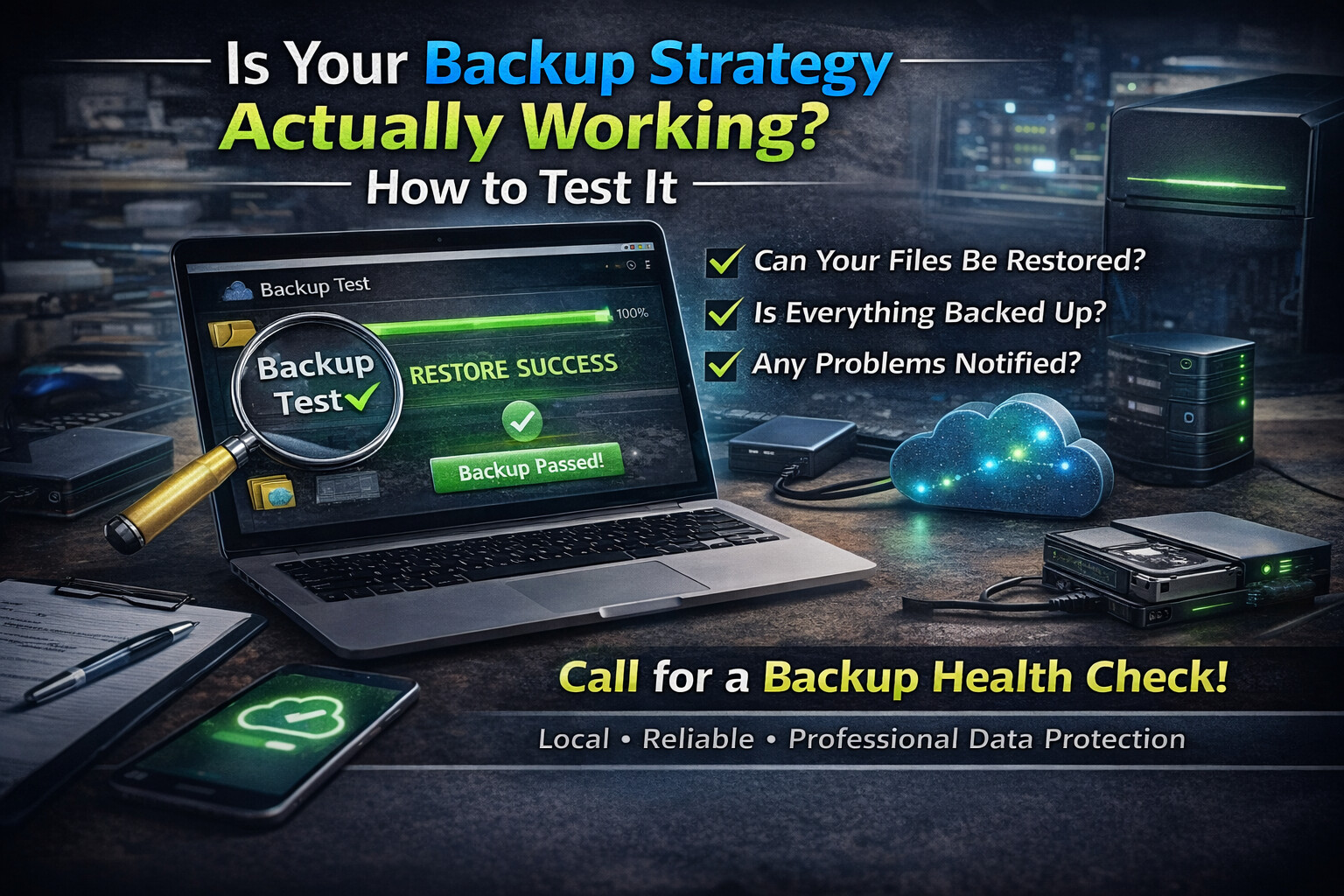
The most important test is a restore test. Choose a non-critical file and attempt to restore it from your backup. This confirms that the backup data is intact and that you understand the recovery process. If restoring a file is confusing or fails entirely, your backup strategy needs improvement.
You should also verify where your backups are stored. A backup saved on the same computer or drive offers little protection against hardware failure, theft, or ransomware. The best strategies use a combination of local and off-site or cloud-based backups.
Finally, monitor backup health and alerts. Many systems provide warnings when backups fail, but these alerts are often ignored or overlooked. Reviewing backup logs periodically can prevent unpleasant surprises.
If you’re unsure whether your backups are reliable, a professional backup audit can provide peace of mind. Testing your backup strategy now is far easier—and far less expensive—than trying to recover data after it’s already gone.


