

Posted On 26 Jun 2026
A single failed hard drive can shut down payroll, customer communication, scheduling, and billing by lunchtime. That is why computer backup for small business is not an optional IT extra. It is basic protection for the work you have already paid employees to do, the records you need to keep, and the trust your customers place in you.
For many local businesses, the problem is not a total lack of backups. It is a backup setup that looks fine until someone actually needs it. Files may be copied to an external drive once in a while, or a staff member may assume everything is saved in the cloud. Then a computer crashes, ransomware hits, or a folder gets deleted, and nobody is quite sure what is recoverable.
What computer backup for small business should actually cover
A proper backup plan should protect more than Word documents and spreadsheets. Most small businesses rely on a mix of desktops, laptops, shared folders, email, accounting files, customer records, and application settings. If even one of those pieces is missed, getting back to work can take much longer than expected.
For example, a medical office might need patient forms, billing files, email archives, and scanner settings. A local contractor may need estimates, QuickBooks data, job photos, and templates stored on multiple machines. A retail business may need point-of-sale records, inventory reports, and vendor communications. The right backup plan depends on how your business operates, not on a one-size-fits-all checklist.
That is where many backup setups fall short. They protect the obvious files but not the full working environment. Restoring a few documents is helpful, but restoring the business is the real goal.
The difference between storage and backup
This causes confusion all the time. Storage gives your files a place to live. Backup gives you a second, separate copy you can restore after a problem.
If you keep files on one office computer, that is storage. If you sync them to one cloud account and the files are deleted or overwritten everywhere, that may still leave you exposed. Syncing is useful, but it is not always the same as versioned backup. A true backup should let you recover earlier versions, restore deleted data, and rebuild after hardware failure or malware.
Small businesses also need to think about human error. People rename folders, save over files, empty recycle bins, and click on things they should not click. A backup plan should be built with real office behavior in mind.
The safest approach is layered
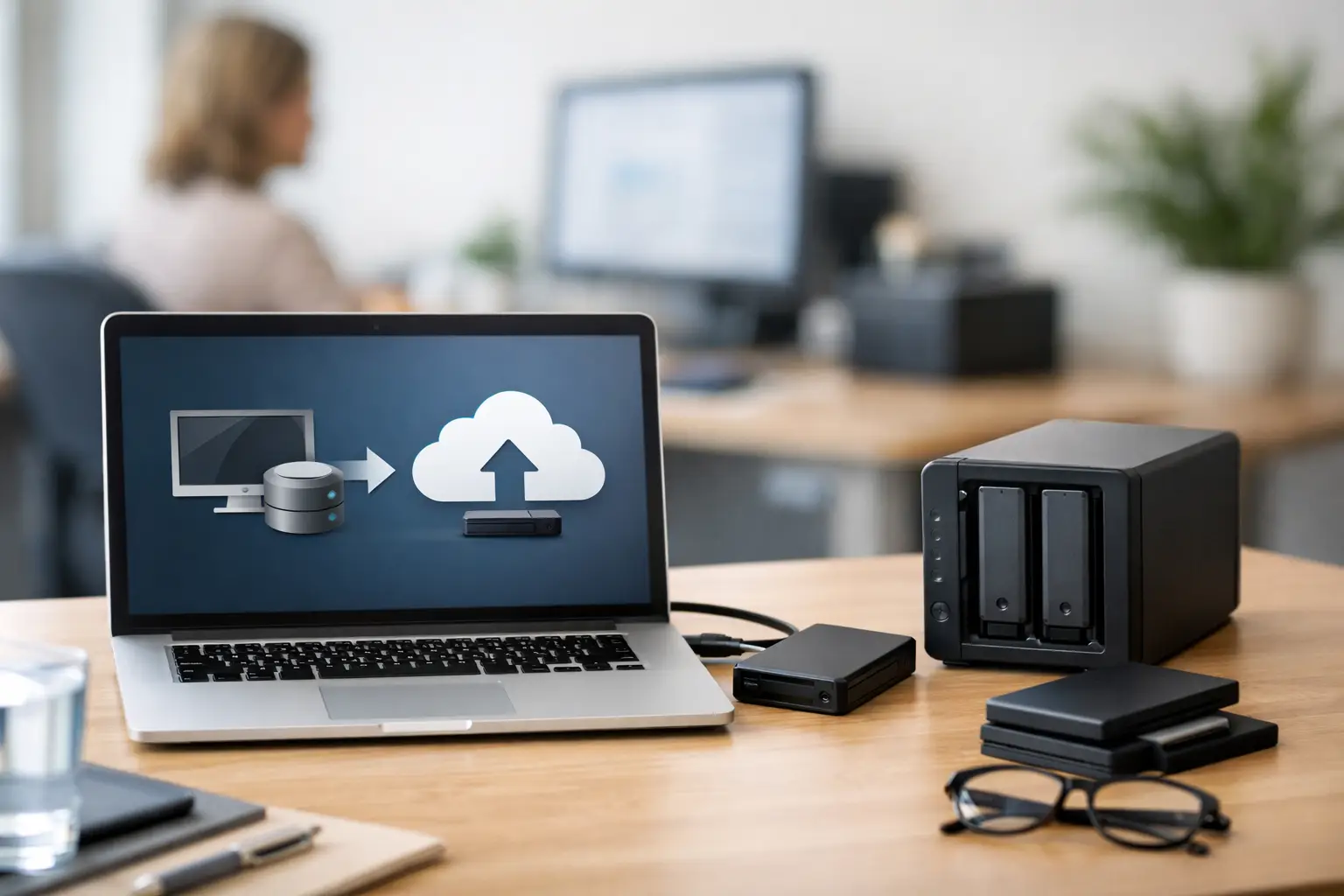
The most dependable computer backup for small business usually includes more than one destination. A local backup can restore data quickly after a simple issue like a failed PC or accidental file deletion. An off-site or cloud backup protects you if the building has a fire, flood, theft, or severe storm damage.
This layered approach matters in Central Florida, where weather alone can create serious business interruptions. If your only backup device is sitting next to the computer that failed, you do not have much separation. If your only copy is in the cloud and internet access is down, recovery may be slower than your business can tolerate. The right setup balances speed, redundancy, and practicality.
A common method is to keep one local backup for fast recovery and one encrypted off-site backup for disaster protection. Some businesses also benefit from image-based backups, which capture the full system so a machine can be restored more completely, not just file by file.
How often should backups run?
The honest answer is that it depends on how much data your business can afford to lose.
If your team updates records all day, a once-a-week backup is probably not enough. Losing a week of invoices, customer notes, or email can create hours of cleanup and real financial damage. In many offices, daily backups are the bare minimum. For businesses with frequent transactions, backups may need to run several times per day or continuously.
This is where business owners should think in plain terms. If a computer dies at 4:00 p.m., how much work from that day can you afford to recreate? If the answer is very little, your backup schedule should reflect that.
What small businesses often forget to back up
The files people think about first are usually documents, photos, and spreadsheets. The files they forget are often the ones that slow recovery the most.
Email is a big one. Many businesses assume email is automatically protected forever, but retention settings, user deletions, and account issues can change that. Accounting databases are another. So are browser bookmarks, custom templates, saved credentials in approved business tools, line-of-business applications, and data stored on individual employee desktops rather than in a shared location.
It is also common to overlook laptops that leave the office. If a sales employee keeps critical files locally and that device is lost or stolen, those files may disappear unless they are being backed up automatically.
Backup security matters too
A backup that is not protected can create a second problem instead of solving the first. Business backups should be encrypted, access-controlled, and monitored. If a backup drive is stolen or a cloud account is compromised, sensitive customer and company data can be exposed.
Ransomware protection is also part of the conversation. Some malware is designed to target backup repositories along with production files. That is why separation matters. You want backup copies that are harder for an attacker to reach, alter, or destroy.
This does not mean every small business needs a complicated enterprise system. It does mean backups should be set up with the same care you would expect for the computers and network they are protecting.
A backup is only good if it restores
This is the part too many businesses skip. They see a green check mark, assume everything is fine, and do not verify whether the files are usable. Then a crisis happens, and the restore fails, the data is incomplete, or the backup was never capturing what they thought it was.
Testing matters because backup systems can fail quietly. Storage fills up. Permissions change. Devices disconnect. Software errors go unnoticed. A scheduled review and occasional test restore can catch those issues early.
Even a simple test can make a big difference. Restore a sample folder. Confirm that older file versions are available. Verify that a full machine recovery is possible if that is part of your plan. The point is not to create more work. The point is to avoid learning about a backup problem on your worst day.
Should you handle backups in-house or get help?
Some very small businesses can manage a basic backup system on their own, especially if they have few devices and simple workflows. But as soon as multiple users, shared data, compliance concerns, remote work, or specialized software enter the picture, backup planning gets more complicated.
That is usually when outside IT support becomes valuable. A professional can identify what data actually matters, make sure backups run on schedule, monitor for failures, and plan for recovery instead of just file copying. That reduces the chance of expensive downtime and removes guesswork from a stressful situation.
For local businesses that do not have an in-house IT department, that support can be the difference between a short interruption and a multi-day shutdown. Computer Tech Pro works with businesses that need backup solutions to be practical, secure, and tailored to how the office really runs.
Signs your current backup plan needs attention
If you are not sure whether your setup is good enough, a few warning signs usually stand out. Nobody on staff can clearly explain what is being backed up. Restores have never been tested. One employee manually handles backups when they remember. Important files live on individual desktops. The only backup device is kept in the same office as the computers it protects.
Another red flag is relying on a backup system that made sense three years ago, before your business added remote staff, new software, or more customer data. Backup plans need to grow with the business.
Build for recovery, not just for compliance
Some businesses think about backups only when a policy, insurance form, or vendor requirement brings it up. That can lead to checking a box instead of solving the real problem.
A better mindset is to ask one direct question: if a computer fails tomorrow, how fast can we get back to normal? That question changes the conversation. It pushes backup planning toward business continuity, not just storage habits.
A reliable backup system protects more than files. It protects your schedule, your cash flow, your reputation, and your ability to keep serving customers without panic. That is worth setting up correctly before you need it.


