

Posted On 14 Aug 2026
A computer does not have to be brand-new to be dependable. Are refurbished computers reliable? They can be, provided the computer was properly inspected, repaired when needed, tested, and sold by a reputable source. A well-chosen refurbished PC can deliver years of reliable service for email, online banking, schoolwork, home office tasks, and many small business needs, often at a much lower price than a comparable new system.
The key is knowing what “refurbished” actually means and what to check before you buy. The word is used broadly, and not every seller puts the same care into the process.
What a Properly Refurbished Computer Should Include
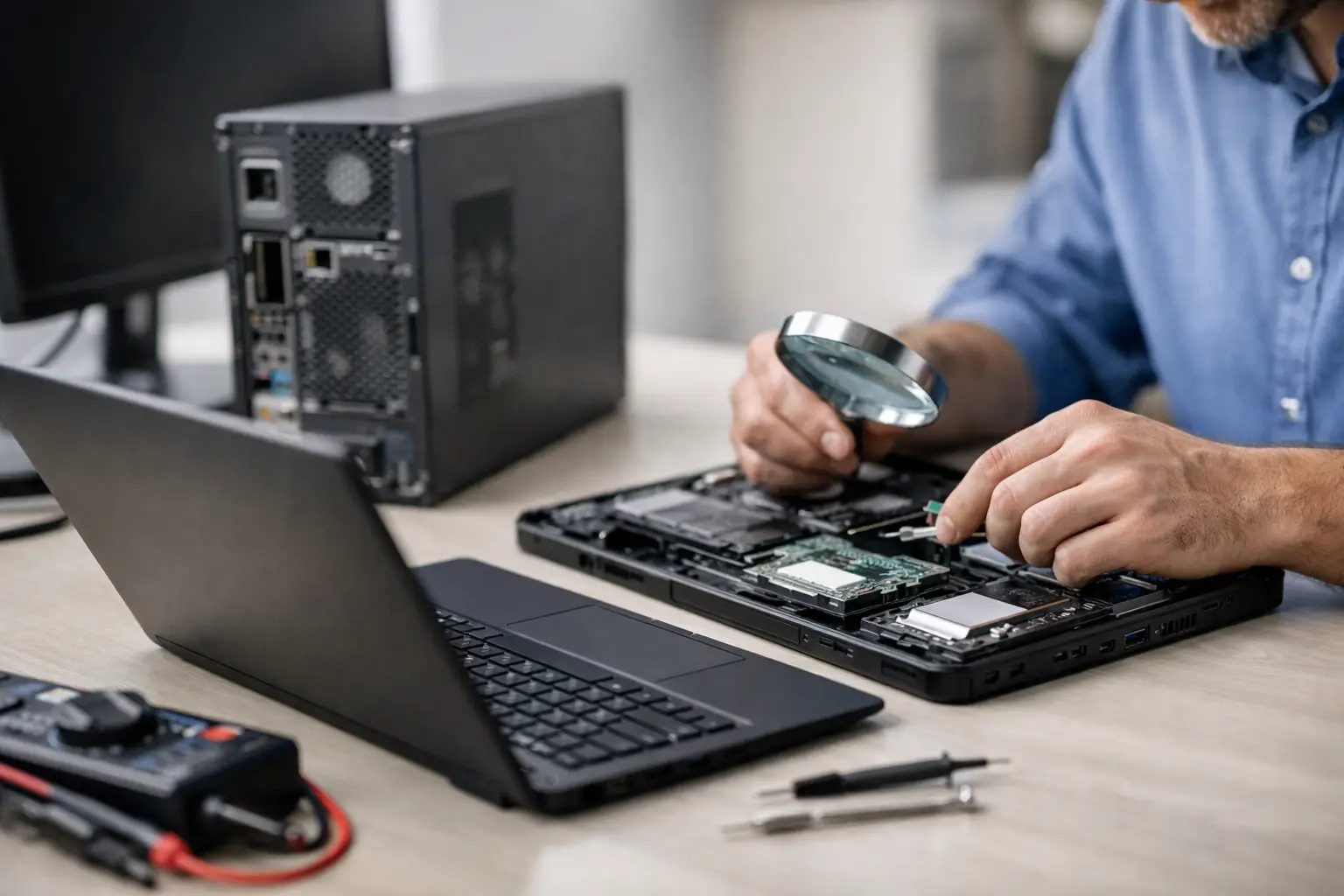
A professionally refurbished computer is more than a used computer that has been wiped down and turned back on. It should go through a process that identifies hardware problems, removes old data, installs a legitimate operating system, and confirms that major components work correctly.
A good refurbishment process typically checks the storage drive, memory, cooling system, ports, keyboard, display, networking, and power system. If a part is weak or failing, it should be replaced rather than left for the next owner to discover. The computer should also be cleaned inside and out, since dust buildup can cause heat problems and shorten component life.
For many buyers, a Microsoft-certified refurbished computer is a reassuring option. These systems are generally prepared with genuine Windows software and are intended to meet established standards for resale. That does not make every unit identical, but it is a meaningful sign that the computer is being sold through a more structured process than an unknown online listing.
A refurbished computer may have light cosmetic wear, such as a small scratch on the case. That is not usually a reliability concern. What matters far more is the condition of the internal hardware and whether the seller stands behind the work.
Are Refurbished Computers Reliable for Everyday Use?
For ordinary home and office work, a quality refurbished computer is often very reliable. Business-grade desktops and laptops are especially worth considering because they were originally built for frequent use, easier servicing, and longer product cycles. When one is refurbished correctly, it can be a practical choice for retirees, students, families, remote workers, and small offices.
Reliability does depend on the computer’s age and specifications. A system that was high-end eight or nine years ago may still turn on and browse the web, but it may not run current Windows versions well or provide the security features needed for the years ahead. Buying the lowest-priced option can lead to frustration if it is already near the end of its useful life.
For most people, look for a computer with a modern supported version of Windows, a solid-state drive, enough memory for multitasking, and a processor that can comfortably handle the software you use. An SSD makes one of the biggest differences in everyday experience. It helps Windows start faster, programs open sooner, and the computer feel less sluggish.
A refurbished PC is not automatically better than a new one, and a new computer is not automatically the safer choice. The better purchase is the one that fits your needs, has usable specifications, and comes from someone who will help if a problem appears.
The Difference Between Used, Open-Box, and Refurbished
These terms are often treated as if they mean the same thing, but they do not.
A used computer is generally sold in its current condition. It may work perfectly, but it may also have an aging drive, hidden battery issues, outdated software, or missing accessories. Unless the seller provides clear testing information and a warranty, the buyer assumes most of the risk.
An open-box computer is usually a returned or display unit that may have had very little use. It can be a good value, but it should still be checked for warranty coverage and condition.
A refurbished computer has been evaluated and prepared for resale. The quality of that preparation varies by seller, which is why the source matters. A local computer professional or established refurbisher should be able to explain what was tested, what was replaced, what condition grade the unit received, and what warranty is included.
What to Check Before You Buy
A few questions can prevent a disappointing purchase. First, ask the exact model and age of the computer. Vague descriptions such as “fast PC” or “great for business” do not tell you enough. You should know the processor, amount of memory, storage type and capacity, Windows version, and physical condition.
Next, ask whether the storage drive has been tested or replaced. Traditional hard drives can wear out over time because they have moving parts. A refurbished computer with a healthy SSD is generally a better bet for speed and long-term reliability. If the computer uses an older hard drive, ask whether an SSD upgrade is available.
The warranty deserves just as much attention as the specifications. A trustworthy seller should provide a clear written warranty and a simple process for getting help. Even carefully tested electronics can develop an issue. A warranty does not guarantee that nothing will ever go wrong, but it shows that the seller is willing to take responsibility if it does.
Also confirm that the computer comes with a legitimate, activated Windows license and that it can receive security updates. Outdated or unsupported software can create security risks, especially if you use the computer for financial accounts, work documents, customer information, or email.
Finally, consider whether there is someone available to set it up correctly. Transferring files, connecting printers, securing Wi-Fi, configuring email, and removing old data from a previous computer are often where avoidable problems begin. A good setup helps a refurbished computer feel like your computer from the first day.
When a Refurbished Computer May Not Be the Right Choice
Refurbished computers are not the best fit for every situation. If you need demanding professional software, extensive video editing, engineering applications, or a system expected to remain in service for many years with no compromises, a new custom-built computer may make more sense. New hardware can offer longer manufacturer support, newer features, and a full original warranty.
Businesses should also think beyond the purchase price. If a computer supports daily operations, employee productivity, or sensitive client information, it needs appropriate security, backup, and replacement planning. A dependable refurbished business PC can be a smart investment, but it should be matched with current software, endpoint protection, reliable backups, and ongoing maintenance.
Battery condition is another consideration for laptops. Batteries naturally lose capacity over time, even when the rest of the computer remains in excellent shape. A refurbished laptop may have a tested original battery, a replacement battery, or a battery that will need replacement sooner. Ask directly rather than assuming.
How to Make a Refurbished PC Last
Once you purchase a refurbished computer, a few simple habits go a long way. Keep Windows and security software updated. Back up important files regularly, preferably with more than one copy. Be cautious with unexpected email attachments, pop-up warnings, and requests for passwords or payment information.
Make sure the computer has room to breathe. Avoid blocking vents, and have excessive dust cleaned out when needed. If it starts running slowly, showing repeated errors, or making unusual noises, address the issue early. A computer tune-up, malware check, or storage upgrade is usually easier and less expensive before a small issue becomes a major failure.
For households and small businesses in Central Florida, buying from a local provider can also add real value. You are not left trying to interpret vague online support instructions if something needs attention. Computer Tech Pro can help evaluate whether a refurbished computer fits your needs, prepare it for safe use, transfer your data, and provide support after setup.
A properly refurbished computer is not a gamble when it has been tested carefully, priced fairly, and backed by people who are available to help. Choose the right specifications for your work, ask clear questions about condition and warranty, and you can get dependable performance without paying for more computer than you need.


