

Posted On 26 Jun 2026
When your computer stops cooperating at 9 a.m. on a workday or your home Wi-Fi drops right before a video call, the question is not just who can fix it. It is whether remote support vs onsite repair is the better fit for the problem in front of you. The right choice can save hours of downtime, avoid unnecessary cost, and get you back to normal faster.
For many people, the assumption is that a technician has to be physically present to solve a computer issue. Sometimes that is true. But many software problems, security concerns, email issues, and performance slowdowns can be handled remotely with less disruption. Other situations clearly call for hands-on service. The real value is knowing which option matches the issue, the urgency, and the environment.
Remote support vs onsite repair: the basic difference
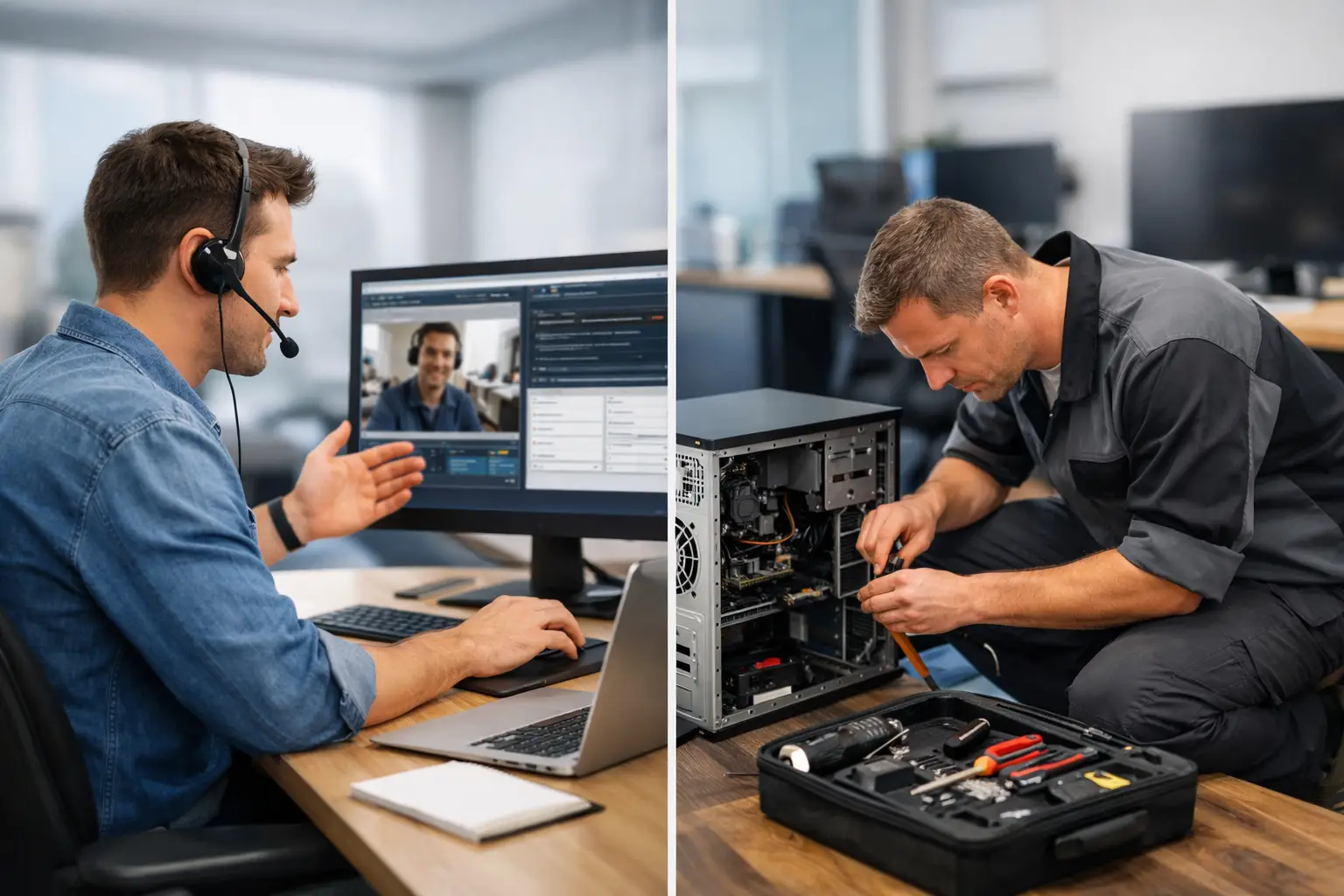
Remote support means a technician securely connects to your computer or helps you through settings and troubleshooting without coming to your location. This works best when the device powers on, connects to the internet, and allows access to the operating system. It is often the fastest path for software-related problems.
Onsite repair means a technician comes to your home or business to diagnose and fix the issue in person. This is the better option when the problem involves hardware, physical setup, multiple devices, network equipment, or a situation where remote access is not possible. It is also useful when the customer would rather have someone handle everything directly.
Neither option is automatically better. The smarter question is what kind of issue you have and how quickly it needs to be resolved.
When remote support is the best choice
Remote service is often the fastest solution for problems that live inside the computer rather than around it. If your device is running slowly, showing software errors, struggling with email setup, dealing with pop-ups, or having trouble with updates, remote support may be enough to identify and correct the issue.
It is also practical for users who do not want to unplug equipment, carry a desktop into a shop, or wait for an on-site appointment. For many home users, especially those who only need one computer addressed, remote support can feel easier and less disruptive. A technician can inspect settings, remove problem software, tune up performance, install updates, and often explain what happened while working.
Businesses also benefit from remote service when the issue affects a single workstation, user account, cloud application, printer setting, or email configuration. In these cases, speed matters more than physical presence. If a staff member cannot send email, access a business app, or log into a system, remote access can often restore productivity quickly.
There is also a cost advantage in many cases. Because travel time is removed, remote support can be a more efficient use of time for straightforward issues. That matters for households watching their budget and for business owners trying to control support costs without delaying a repair.
When onsite repair is the better call
Some problems cannot be solved through a screen share. If a computer will not power on, has a damaged charging port, makes unusual noises, overheats badly, has a failing hard drive, or needs internal parts replaced, an in-person visit is the safer and more effective route.
Onsite repair is also the right move when the problem extends beyond one device. If your office internet is unstable, multiple computers are dropping off the network, a router needs reconfiguration, or a printer is failing for several users, a technician needs to see the environment. The same applies to home setups where modem, router, desktop, smart devices, and cables may all play a role.
There is another reason some customers prefer onsite service: confidence. For people who are less comfortable with technology, having a knowledgeable technician there in person can remove stress. They do not have to interpret instructions, guess at settings, or wonder if they clicked the wrong thing. A hands-on visit can make a complicated issue feel manageable.
For local businesses, onsite support is often worth it when downtime affects several employees or critical operations. If a server closet, firewall, workstation cluster, or point-of-sale system is involved, physical inspection speeds up diagnosis. It also allows the technician to spot contributing issues that may not show up during a remote session.
Speed depends on the problem, not the service label
People often assume remote support is always faster. Often, it is. If the machine is online and the issue is software-based, help can begin quickly and resolution may happen in a single session. That makes remote service ideal for urgent but contained problems.
But remote support becomes slow if the issue requires repeated reboots, unstable internet, failed login access, or user actions that are difficult to complete from a distance. In those situations, trying to force a remote fix can waste time. An onsite visit may solve in one appointment what might otherwise drag out over several attempts.
The same logic applies in reverse. Onsite repair sounds thorough, but if the problem is simply a corrupt application, bad startup items, or an email account issue, dispatching a technician to your location may be more than you need. The most efficient service is the one that fits the problem from the start.
Security and privacy concerns are reasonable
When customers hear the term remote access, many immediately think about privacy. That concern is valid. You should always know who is connecting, what they are doing, and whether the support process is secure. Reputable providers explain the session clearly, use approved tools, and work with your permission.
For some customers, especially businesses handling sensitive information, onsite service feels more comfortable because the technician is physically present and the environment is controlled. In other cases, remote support is still fully appropriate as long as access is secure and handled professionally.
The more important point is trust. Whether support happens remotely or onsite, your provider should treat your systems and data with care, explain recommendations clearly, and avoid creating confusion just to sound technical.
Cost matters, but so does completeness
If you only compare the initial visit price, remote support can look like the obvious winner. Often, it is less expensive for quick software fixes, account problems, and tune-ups. It reduces travel time and can be scheduled more flexibly.
But the lower-cost option is not the cheaper option if it does not solve the real problem. A machine with failing hardware may show symptoms that look like software trouble. A network issue might seem like a single-device problem until someone tests the equipment in person. Saving money starts with accurate diagnosis, not just picking the lowest service type.
That is why experienced IT providers ask questions before recommending a service path. What is the device doing? Is it turning on? Has anything changed recently? Is the issue affecting one person or several? The answers help determine whether remote support is enough or whether onsite repair will save time and prevent repeat issues.
What homeowners and retirees should consider
At home, convenience often drives the decision. If your computer still starts, gets online, and mainly needs cleanup, update help, virus removal, or software troubleshooting, remote service is usually the simplest choice. You can stay where you are and get help without moving the system.
If the device is physically damaged, the Wi-Fi setup is confusing, or several devices around the home are involved, in-person service makes more sense. That is especially true when you want someone to confirm everything is working together before they leave. For customers who value clear explanations and less guesswork, onsite support can feel more reassuring.
What business owners should consider
For business environments, the right choice comes down to operational impact. If one employee cannot access email or a program, remote service is often the fastest way to reduce downtime. If the issue touches network hardware, office-wide printing, shared systems, security devices, or several workstations, onsite support is usually the better investment.
A local provider like Computer Tech Pro can also help businesses think beyond the immediate fix. Some issues should be solved remotely right away, while others point to a need for maintenance, backups, security updates, or ongoing support. That bigger view matters because recurring problems cost more than a one-time repair.
The best support model is flexible
The strongest IT service is not built around only one method. It combines remote and onsite options so customers get the right level of help at the right time. A smart provider does not push every problem into the same service box. They assess the symptoms, ask the right questions, and recommend the most practical path.
That flexibility matters in real life. A problem may start with remote diagnosis and end with an onsite hardware repair. An onsite visit may uncover software issues that can be handled later through remote follow-up. Good support is not about defending a format. It is about fixing the issue correctly and efficiently.
If you are deciding between remote and onsite service, start with the basics: can the device power on, connect to the internet, and be accessed securely? If yes, remote support may be the fastest route. If not, or if the issue involves hardware, multiple devices, or your network environment, onsite repair is likely the better call. The right help should feel straightforward, not complicated, and it should leave you with fewer problems than you started with.


