

Posted On 26 Aug 2026
A video call that freezes when someone starts streaming, a printer that disappears from the network, or a business application that slows down at the worst possible moment can often be traced back to one decision: how devices connect. When comparing wired versus wireless networks, there is no single winner for every home or small business. The best answer depends on what you do online, where your equipment sits, and how much reliability matters when work is on the line.
For many Central Florida homes and offices, the smartest setup is not wired or wireless. It is a thoughtful mix of both.
Wired Versus Wireless Networks at a Glance
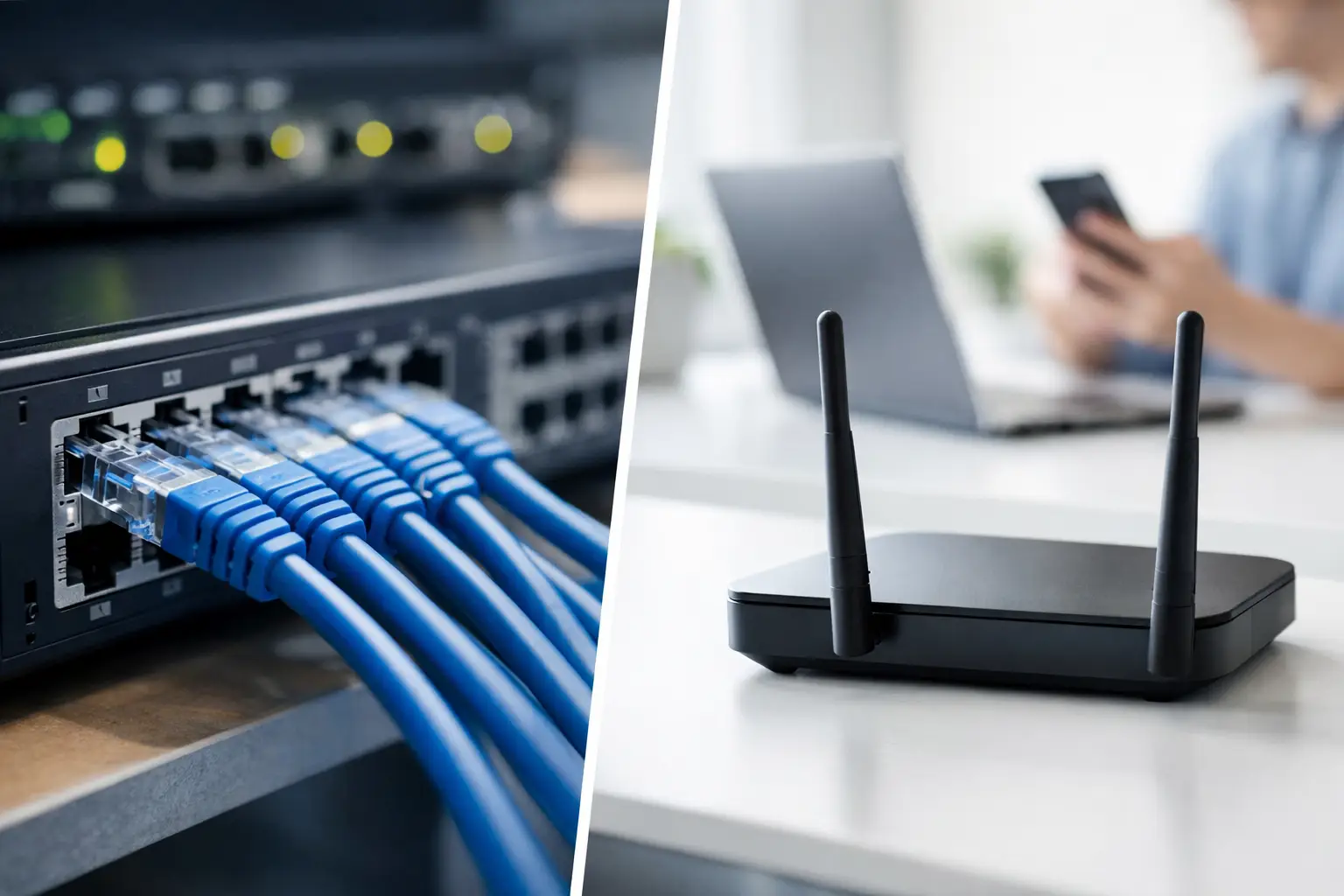
A wired network connects a device directly to a router, switch, or wall network jack with an Ethernet cable. A wireless network, commonly called Wi-Fi, sends that connection through the air so devices can connect without a cable.
Wired connections are usually the better choice when speed, consistency, and low delay matter most. Wireless is often the better choice when convenience, flexibility, and broad coverage matter most. Neither option can fix a poor internet plan by itself, but the way your network is set up determines how much of that internet connection your devices can actually use.
The difference becomes especially noticeable in larger homes, concrete block construction, detached offices, and small businesses with several people online at once. A strong signal near the router does not guarantee reliable service in a back bedroom, a conference room, or a workspace on the other side of the building.
When a Wired Network Is the Better Choice
A wired connection gives a computer a dedicated, physical path to the network. That usually means more stable performance than Wi-Fi, with less interference from walls, distance, neighboring networks, and household electronics.
For a desktop computer in a home office, an Ethernet cable can make video calls clearer and cloud file transfers more predictable. It is also a practical choice for systems that handle large files, remote desktop sessions, backup jobs, security cameras, network storage, or business records. If a device stays in one place, wiring it is often worth considering.
Speed and consistency
Wi-Fi speeds can be very good when a device is close to a quality access point. But they naturally change as people move around, doors close, or more devices connect. A wired connection is generally more consistent because it does not have to compete for radio space in the same way.
This matters when a slow connection creates real inconvenience. A home office user may lose time reconnecting to meetings. A small office may see cloud-based software lag during busy hours. A wired desktop, network printer, or NAS can reduce those frustrating interruptions.
Lower delay for time-sensitive work
Delay, often called latency, is the time it takes for information to travel across the network. A few milliseconds may not matter when reading email, but it can matter during live video calls, remote access sessions, and real-time business applications.
Wired networking usually delivers lower and more predictable latency. That does not mean every Wi-Fi connection will feel slow. It means wired is the safer option for work that cannot afford frequent brief interruptions.
A more controlled connection
Physical cables add a layer of control. Someone generally needs access to your building and an available network jack to connect. Wi-Fi can also be very secure when it uses a strong password, current encryption, and properly configured equipment, but it requires active attention.
For offices handling client information, a wired connection for key workstations can simplify network management. Separate guest Wi-Fi, updated router software, and endpoint protection remain important regardless of how devices connect.
Where Wireless Networks Make More Sense
Wi-Fi is valuable because it lets people work and use the internet where they need to. Laptops move from room to room. Families connect from bedrooms, kitchens, and living areas. Small businesses may have staff who use flexible workspaces, meeting rooms, or shared offices.
Running a cable to every device is rarely practical, and it is not necessary. A well-designed wireless network can deliver excellent everyday performance for browsing, email, online banking, video streaming, schoolwork, and most remote work.
Convenience without the cable clutter
Wireless networking reduces installation work and keeps rooms cleaner. This can be particularly helpful in rental homes, older homes without network wiring, and spaces where routing a cable would be difficult or unattractive.
It also makes new computer setup easier. A laptop can connect from the location where it will actually be used, instead of forcing the user to sit close to the router.
Coverage is the real Wi-Fi challenge
A weak Wi-Fi signal is not always an internet provider problem. The router may be placed in a cabinet, tucked behind a television, or located at one end of the home. Walls, metal surfaces, block construction, appliances, and distance can weaken or block the signal.
Moving the router to a more open, central location may help. In a larger home or office, adding properly placed access points or a mesh Wi-Fi system can provide better coverage than expecting one router to serve every corner. The goal is not simply to see a Wi-Fi network name. The goal is to have a stable, usable connection where people actually work.
Wireless requires good security habits
Wi-Fi should be protected with a unique, strong password and current security settings. The router’s administrator password should also be changed from its default. Old routers may no longer receive security updates, which is a good reason to review equipment before a problem occurs.
Small businesses should consider a separate guest network for visitors. This keeps guest traffic apart from computers, printers, and business systems. At home, a guest network can be useful for visitors and certain smart-home equipment, without sharing access to your primary network.
The Best Setup Is Often a Hybrid Network
Most homes and small businesses benefit from combining wired and wireless connections. Wire the equipment that needs dependable, high-performance access, then use Wi-Fi for the devices that move around.
For example, a home office may use Ethernet for a desktop computer, network storage, and a printer, while the rest of the household uses Wi-Fi. A small office may wire desk computers, printers, access points, and backup equipment while offering secure Wi-Fi for employees and guests.
This approach avoids treating Wi-Fi as an all-or-nothing solution. It also prevents overspending on cabling where it adds little benefit. A device used occasionally in a spare room probably does not need a permanent Ethernet run. A workstation that supports daily client calls may.
How to Decide What Your Network Needs
Start with the problems you are trying to solve. If the issue happens only in one room, test the connection near the router and then in the problem area. A major difference points to a coverage problem, not necessarily an internet speed problem.
If a desktop computer, printer, or backup system frequently disconnects, a wired connection may be the simplest long-term fix. If every device struggles at the same time, the issue may be the internet service, router capacity, outdated equipment, malware, or network configuration.
Consider these practical questions before making changes:
- Does the device stay in one place and handle important work?
- Is the Wi-Fi problem limited to certain rooms or times of day?
- Are multiple people on video calls, transferring files, or using cloud applications at once?
- Is the router old, poorly placed, or no longer receiving updates?
- Do you need separate access for guests, employees, or business equipment?
The answers often reveal whether you need a cable, better Wi-Fi coverage, a newer router, or a broader network cleanup.
Common Mistakes That Cause Network Problems
One common mistake is placing the router wherever the internet line enters the building, even if that location is in a closet or corner room. Another is adding inexpensive signal extenders without checking whether they are placed where they can still receive a strong signal. An extender cannot create speed it never receives.
Using old network equipment is another frequent issue. Older routers may struggle when a household or office has many active connections. They may also lack the security and performance features needed for current internet service.
Finally, avoid assuming every slow computer is a Wi-Fi problem. A computer with limited storage space, malware, failing hardware, or too many programs running at startup can feel slow even on an excellent network. Proper troubleshooting looks at the full picture before recommending a fix.
A network should make your work and home life easier, not leave you guessing why a connection dropped again. If your Wi-Fi has dead zones, important devices keep disconnecting, or your office needs a more dependable layout, Computer Tech Pro can assess the setup and recommend practical improvements without unnecessary complexity.


