

Posted On 30 May 2026
A computer that suddenly shuts off, refuses to charge, overheats, or shows a blank screen usually is not having a “small issue.” It is often a hardware problem, and waiting rarely makes it cheaper or easier to fix. That is why hardware repair services for computers matter so much for homeowners, remote workers, and local businesses that depend on reliable systems every day.
When people hear “hardware repair,” they often think only of cracked laptop screens or broken power jacks. In reality, the category is much broader. It includes the physical components inside and outside the machine that allow it to start, run properly, connect to peripherals, stay cool, and protect your data. A failing hard drive, damaged motherboard, weak battery, bad RAM, worn charging port, noisy fan, and faulty power supply all fall into the same conversation.
What hardware repair services for computers usually include
Good hardware support starts with accurate diagnosis. A computer may look dead when the real issue is a bad power adapter. It may seem painfully slow when the true cause is a failing hard drive. It may crash randomly because of bad memory, overheating, or board-level damage. Replacing the wrong part wastes time and money, so diagnosis is not a side step. It is the repair process.
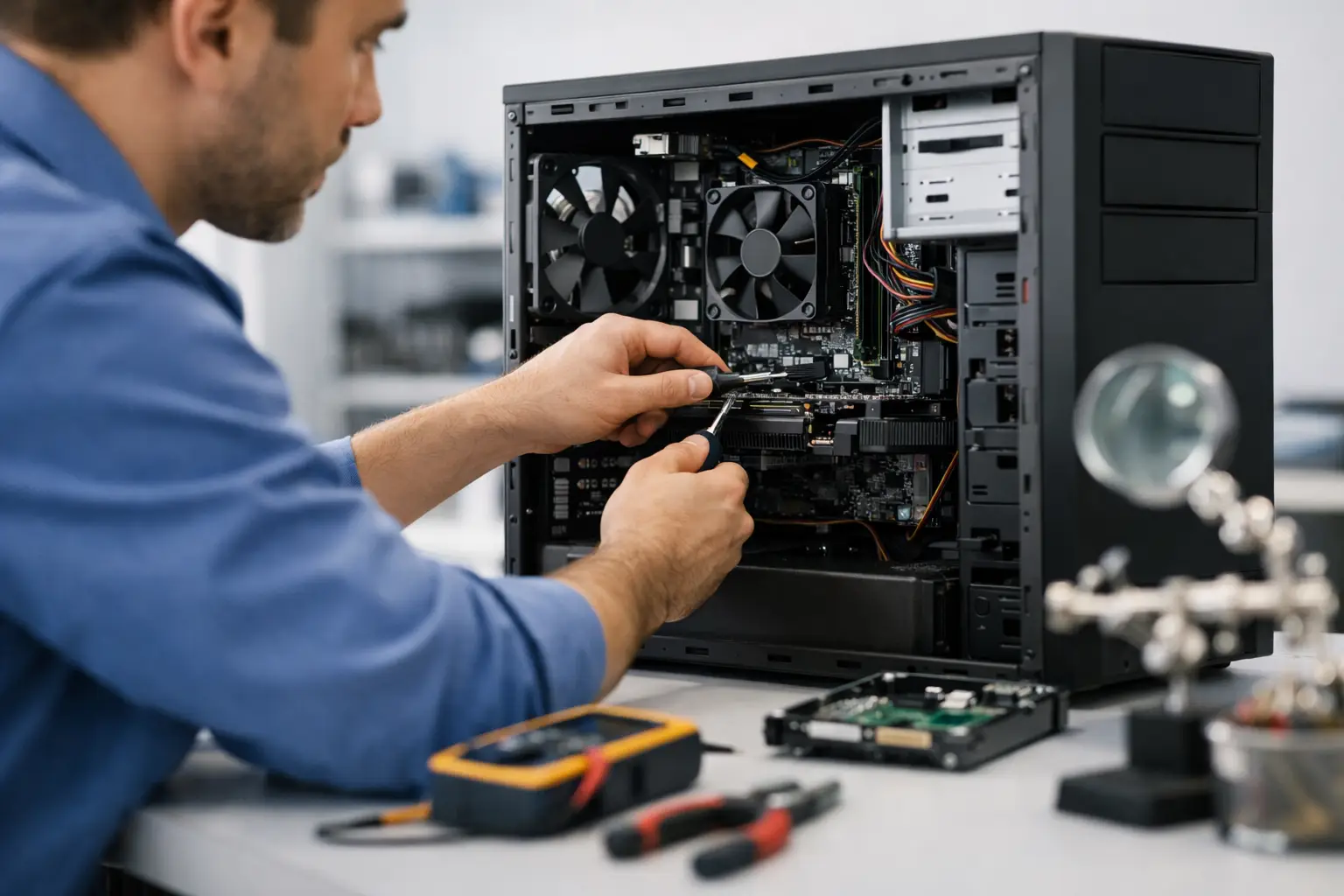
Most hardware repair services for computers cover desktops, laptops, and in many cases all-in-one systems. Common repairs include screen replacement, battery replacement, charging port repair, keyboard and trackpad replacement, cooling fan service, RAM upgrades, hard drive or solid-state drive replacement, motherboard troubleshooting, and power supply replacement. For business systems, it can also include replacing failed network interface components, damaged ports, or storage devices in workstations.
The best repair approach also takes the whole system into account. If a machine has a failing drive, for example, repair may need to include data protection steps before any part is swapped. If a laptop overheats, the fix may involve more than replacing a fan. Dust buildup, dried thermal compound, blocked vents, and internal wear can all contribute.
Signs your computer has a hardware problem
Some issues are obvious. If the laptop screen is cracked, the hinge is broken, or the machine will not power on after a drop, hardware is the first place to look. Other symptoms are less direct and easy to confuse with software trouble.
Frequent blue screens, unexpected shutdowns, clicking sounds from inside the computer, overheating, battery swelling, charging only at certain angles, flickering display output, USB ports that stop responding, and startup failures often point to physical component failure. Slowness can be software-related, but it can also be caused by a drive near the end of its life or memory problems.
For businesses, hardware issues tend to show up first as productivity loss. A front desk computer takes ten minutes to boot. An office workstation keeps dropping monitors. A shared system restarts in the middle of basic tasks. These problems may seem manageable for a while, but they usually get worse and create more downtime when left alone.
Repair or replace? It depends on the system
One of the most common questions is whether repairing a computer is worth it. The honest answer is that it depends on the age of the system, the specific failure, the cost of the part, and what the computer needs to do.
A relatively modern laptop with a bad battery, damaged screen, or failed storage drive is often worth repairing, especially if the rest of the system is in good shape. A desktop with a bad power supply or failing RAM can usually be repaired quickly and cost-effectively. On the other hand, an older computer with multiple issues, limited performance, and outdated hardware may not be the best candidate for major repair.
That does not mean replacement is always the better choice. In many homes and small offices, the priority is getting a dependable machine back in service without overspending. If one repair can restore stable performance and extend useful life, that can be the smarter move. If several parts are failing at once, replacement may provide better long-term value.
A trustworthy technician should explain the trade-off clearly. The goal is not simply to sell a repair. It is to help you make a practical decision based on cost, performance, and reliability.
Why speed matters in computer hardware repair
When a household computer fails, it interrupts schoolwork, bill paying, email, family records, and everyday communication. When a business computer fails, it affects customer service, staff productivity, scheduling, inventory, accounting, and internal operations. In both cases, time matters.
Fast hardware repair is about more than convenience. It reduces disruption and lowers the risk of additional damage. A failing hard drive can go from unstable to unreadable. An overheating system can damage surrounding components. A swollen battery can become a safety concern. Small physical issues often do not stay small.
This is where local service makes a difference. A provider serving Central Florida customers directly can often evaluate the problem faster, offer on-site help when appropriate, and recommend the most efficient path forward. Some repairs can be handled quickly in-shop. Others are better solved at the customer’s location, especially for desktop systems or small office setups that are inconvenient to disconnect and transport.
The value of diagnosis, privacy, and careful handling
Computer repair is not just about replacing parts. It is also about protecting what is on the machine and handling the device with care. That matters for family photos, financial records, business files, saved passwords, email access, and customer data.
A careful repair process should minimize risk during disassembly, testing, and replacement. If data-sensitive components are involved, such as storage drives, privacy should be treated seriously from the start. For businesses, this can be especially important when computers contain client records, payroll data, or proprietary information.
This is one reason many customers prefer working with an established local technology partner instead of shipping a device off to an unknown third party. Trust matters. So does clear communication about what failed, what is being replaced, how long the repair is expected to take, and whether any related issues were found during service.
Hardware repair is often part of a bigger solution
A failed part is sometimes just the immediate symptom. The bigger need may be improving the system so the same kind of problem does not return. If a laptop runs hot because it is packed with dust and used on soft surfaces, repair should include guidance on preventing repeat overheating. If a desktop drive fails, that is the right time to talk about backups. If a business workstation keeps going down, it may point to a need for broader support, maintenance, or replacement planning.
That is where a full-service company has an advantage. Hardware repair can be paired with software cleanup, virus removal, tune-ups, system upgrades, data transfer, backup setup, and ongoing support. Computer Tech Pro works with both residents and businesses that need more than a one-time fix. In many cases, solving the hardware issue is the first step toward a more stable and secure system overall.
What to look for in a repair provider
Not every repair service approaches hardware issues the same way. Some swap parts quickly but miss the underlying cause. Some handle only consumer devices and are not equipped for business downtime. Others do not offer flexible support options, which can make the process more disruptive than it needs to be.
A strong provider should offer clear diagnostics, realistic repair recommendations, careful handling, and responsive communication. It also helps when the company can support both hardware and software, because many computer problems overlap. A machine with a failed drive may also need operating system recovery, data transfer, security checks, and performance testing after the replacement is complete.
For local customers, convenience should be part of the service. On-site support, remote help when applicable, and in-shop repair options give you more control over how the issue is handled. That flexibility is especially valuable for retirees, busy families, and small business owners who cannot afford to spend half a day figuring out how to transport and reconnect equipment.
If your computer has started showing physical failure symptoms, the best move is usually to address it early. Hardware problems rarely correct themselves, and delay tends to increase both cost and inconvenience. A prompt, well-executed repair can restore performance, protect your data, and save you from a much larger disruption later. When your computer is part of your daily life or your business operations, peace of mind starts with getting the problem fixed correctly the first time.


