

Posted On 25 Jul 2026
A locked accounting computer at 8:15 a.m. can quickly become a business-wide problem. This small business ransomware recovery example shows what can happen when one employee opens a convincing email attachment, and why the first few hours matter more than most owners realize.
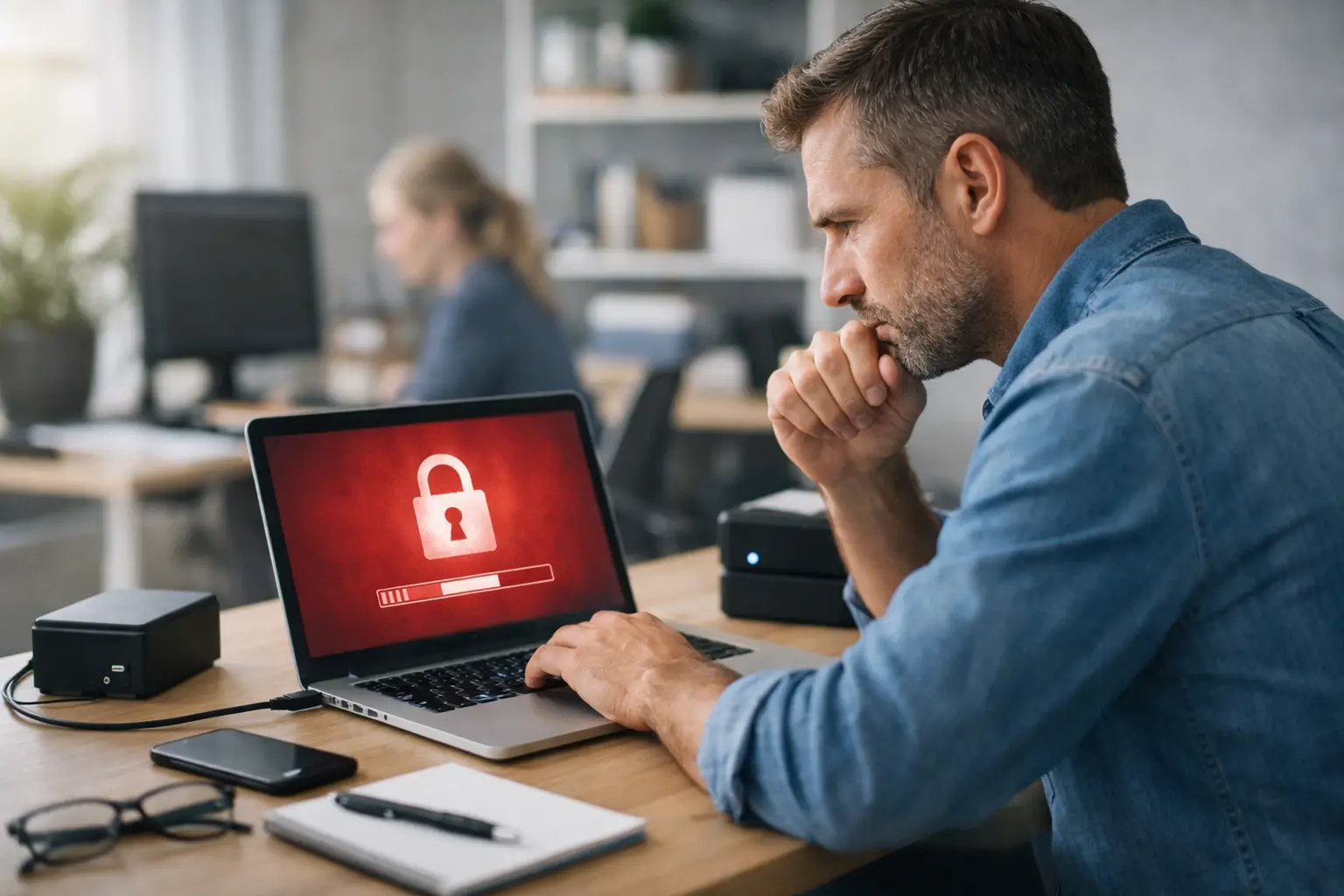
Consider a fictional Central Florida office with 14 employees. The business handles customer records, scheduling, invoices, and vendor communication through a small server and several Windows computers. On a Monday morning, an employee opens what appears to be a shared document from a supplier. Within minutes, files on the computer begin changing names, and a message appears demanding payment in cryptocurrency.
The employee does the right thing by calling for help instead of trying to fix it alone. That decision helps prevent a much more expensive outcome.
Small Business Ransomware Recovery Example: The First Hour
The first priority is containment, not cleanup. The office manager unplugs the affected computer from the network and turns off its Wi-Fi connection. They do not reconnect it to check whether the files are still accessible, and they do not plug in a portable backup drive. Those seemingly small choices can keep ransomware from reaching shared folders, cloud-syncing services, and backup devices.
The business then identifies which systems may have been exposed. The affected workstation had access to a shared folder on the server, so the IT technician isolates that system as well. Other computers remain on but are checked for unusual file extensions, ransom notes, disabled security software, or failed login activity.
At this point, the owner has an uncomfortable question: should the business pay the ransom? There is no guaranteed answer, but paying is rarely a recovery plan. Criminals may not provide a working decryption key, they may leave behind malicious access, and a payment can make the business a target for future attempts. The better path is to determine what was affected, preserve evidence, and restore from known-clean backups whenever possible.
What the Investigation Found
The technician confirms that the ransomware encrypted the employee’s local files and part of one shared folder. It did not encrypt the entire server because the office’s backup system used separate backup storage and retained multiple versions of files. That separation made a major difference.
The investigation also finds the likely entry point: a fake email that looked like a vendor invoice. The message used a similar-looking sender address and pressured the recipient to review an attachment immediately. The attached file installed malicious software after the employee enabled content in the document.
This is a common reality for small businesses. A ransomware event is not always caused by poor intentions or careless employees. Attackers design messages to look familiar, urgent, and routine. Recovery depends on having layers of protection that account for the fact that people can be deceived.
Before restoration begins, the IT team documents the affected devices, saves copies of the ransom note and suspicious email, and reviews security logs. If customer information, financial records, or protected health information may have been accessed, the business may also need legal, insurance, or compliance guidance. Encryption alone does not prove data was stolen, but it should never be assumed that files were only locked.
How the Business Restored Operations
Rather than rushing every computer back online, the technician follows a controlled recovery process. The infected workstation is removed from service and rebuilt from a clean operating system image. Its passwords are reset, security software is installed, and available updates are applied before it rejoins the network.
The server is scanned and checked before files are restored. The team selects a backup version from the previous evening, before the malicious email was opened. They first restore the most urgent information: the current schedule, customer contact records, active job documents, and accounting files. Less urgent archives can follow after the office is functioning again.
The office is able to resume essential work that afternoon. A few recently edited documents have to be recreated because they were changed after the last backup ran, but the business avoids losing years of records or shutting down for a week. That is the practical value of a backup plan: it reduces downtime and limits the decisions made under pressure.
Recovery is not complete when files reappear. The business also resets email passwords, reviews administrator accounts, checks remote access settings, and confirms that no unknown forwarding rules were added to email accounts. Attackers often use stolen credentials to maintain access even after the visible ransomware problem has been removed.
Why Backups Made the Difference
A backup is only useful if it can be restored safely. In this example, the business had daily backups, multiple file versions, and backup storage that was not continuously available as a normal network drive. That last detail matters. Ransomware often searches for connected drives and shared storage, including backups that are left online and accessible.
For a small office, the right backup setup depends on the systems being used and how much downtime the business can tolerate. A company that can work from paper schedules for a day has different needs than a medical office, law firm, or business that processes orders all day. Still, most businesses should protect more than the files stored on employee desktops.
A useful plan typically includes business data, email and cloud data where needed, accounting files, system configurations, and a tested method for restoring them. Keeping copies in more than one location adds protection against ransomware, hardware failure, theft, fire, and accidental deletion.
Just as important, backups need regular testing. A successful backup notification does not always mean the files are complete, current, or easy to restore. Periodic test restores reveal problems while there is time to fix them.
The Improvements Made After the Incident
Once the office is stable, the owner focuses on preventing a repeat event. The goal is not to make the business impossible to attack. No business can promise that. The goal is to make an attack harder to carry out, easier to detect, and less damaging to recover from.
The company introduces multi-factor authentication for email and other critical accounts. Passwords are updated and no longer shared among employees. Staff members receive practical training on suspicious attachments, unexpected payment-change requests, and sign-in pages that do not look quite right.
The business also separates user accounts from administrator accounts. Employees can perform normal work without having broad permission to install software or change system settings. Security updates are managed more consistently, and endpoint protection is monitored rather than treated as a set-it-and-forget-it purchase.
Network access is reviewed as well. Not every employee needs access to every shared folder. Limiting permissions reduces the number of files an attacker can reach through one compromised account. It can feel inconvenient at first, but the trade-off is far less disruption if a single device or login is compromised.
For local companies without a full-time internal IT department, managed support can provide ongoing monitoring, update management, backup checks, and a clear point of contact when something looks wrong. Computer Tech Pro helps businesses address those day-to-day technology needs before a computer issue turns into an extended interruption.
The Lesson for Every Small Business
The strongest part of this ransomware recovery example was not a single security product. It was the combination of quick reporting, device isolation, separate backups, controlled restoration, and follow-up security changes. Any one of those measures on its own has limits. Together, they give a business more choices when an attacker tries to take control.
If an employee sees a ransom message, missing files, strange file names, or an unexpected login alert, stop using the affected device and get qualified help immediately. Fast action can protect the systems that have not yet been touched and preserve the information needed to recover with confidence.


