

Posted On 23 May 2026
A printer that suddenly goes offline, a pop-up warning that will not close, or an email account that stops working can turn a normal day into a frustrating one fast. That is exactly where remote tech support for seniors can make a real difference. Instead of unplugging a computer and driving it across town, many problems can be diagnosed and fixed while the device stays right where it is.
For many older adults, convenience is only part of the story. The bigger issue is confidence. When something goes wrong with a computer, tablet, or email account, it is easy to worry about making it worse, clicking the wrong thing, or falling for a scam. Good remote support should reduce that stress, not add to it. It should feel calm, clear, and secure from the first conversation.
What remote tech support for seniors actually includes
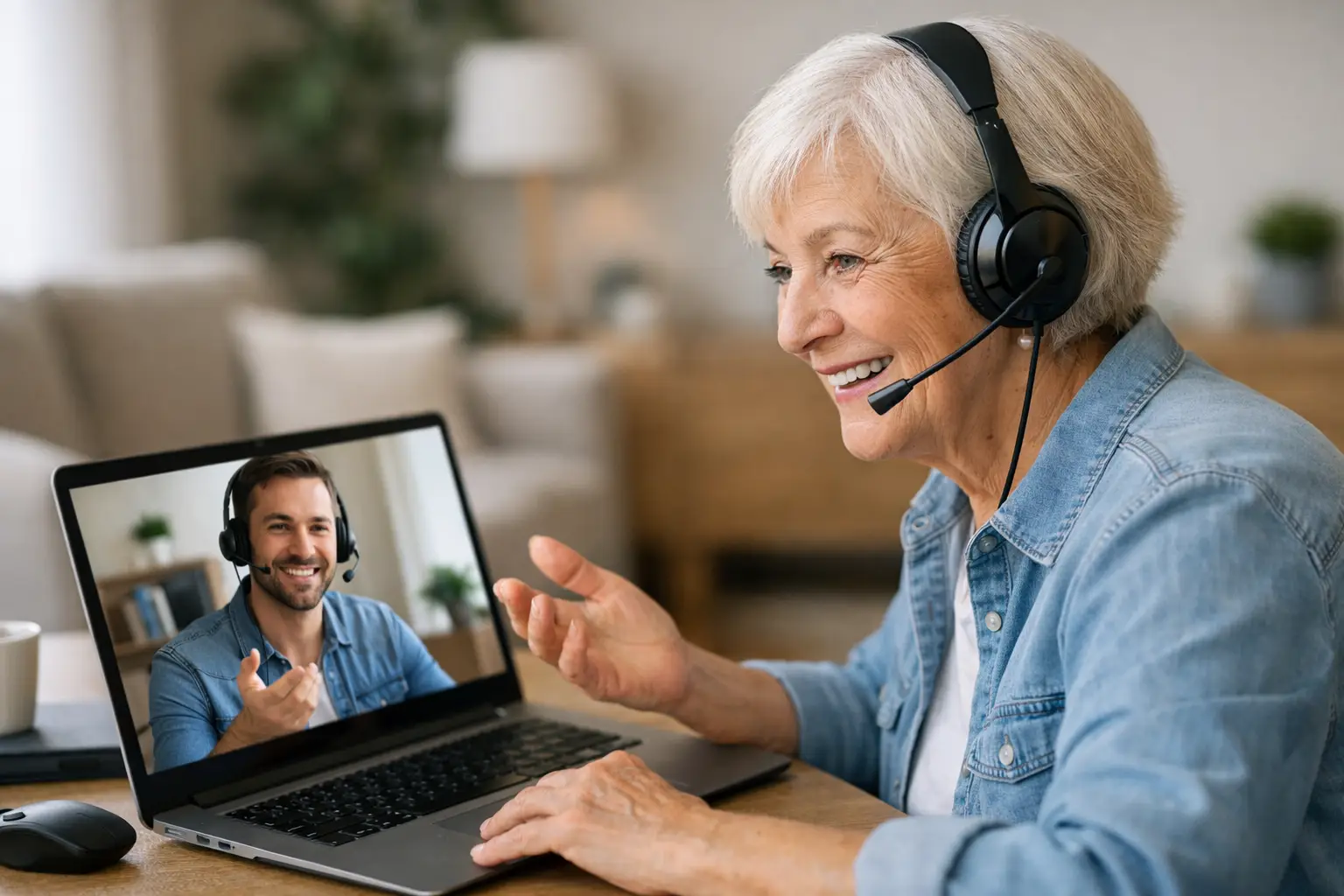
Remote support means a technician connects to a device through a secure session, with permission, to troubleshoot problems without an in-home visit. That can include fixing software errors, removing unwanted programs, helping with email settings, adjusting security tools, or improving performance.
It does not mean every issue can be solved remotely. If a laptop has a failing hard drive, a broken charging port, liquid damage, or a cracked screen, hands-on repair is usually the right move. But many of the problems seniors deal with most often are software-related, and those are often a strong fit for remote service.
Common examples include slow computers, browser issues, password problems, suspicious pop-ups, printer setup, software updates, antivirus checks, and help using video calling apps. In many cases, a remote technician can also walk the customer through what happened in plain English, which matters just as much as the repair itself.
Why this service works well for seniors
The best reason is simple: it removes barriers. Many seniors do not want to disconnect cords, lift a desktop computer, or wait days for a shop diagnosis when the problem may be minor. Remote service brings help directly to the screen they already use.
There is also less disruption. Bookmarks stay where they are. Printers stay connected. Home office setups do not need to be taken apart. For retirees, caregivers, and families helping from a distance, that convenience can save time and avoid extra stress.
Speed is another advantage. A slow computer, locked email account, or security warning can often be addressed much faster remotely than through drop-off repair. That matters when bills need to be paid online, medical portals need to be accessed, or family messages need a reply.
Still, remote support is not just about being faster. It works best when the technician understands that the person on the other end may not use technical language. Seniors should not have to memorize computer terms to get help. They need clear steps, patience, and honest answers about what the technician can and cannot see.
Safety matters more than convenience
The biggest concern many seniors have about remote access is a fair one: is it safe? The answer depends on who is providing the support and how the session is handled.
A legitimate technician should explain the process before connecting. Permission should be required. The customer should know when the session starts and when it ends. Nothing about the interaction should feel rushed, secretive, or pushy.
This is especially important because scammers often pretend to be tech support. They may call unexpectedly, claim a computer is infected, or pressure someone into paying immediately with a gift card, wire transfer, or cryptocurrency. Real support does not work that way.
A trustworthy provider will identify the problem, explain the recommended fix, and answer questions clearly. If the issue points to hardware failure or a larger security concern, they should say so instead of forcing a remote-only solution that is not appropriate. That kind of honesty protects the customer and leads to better results.
Problems that can usually be fixed remotely
A lot of day-to-day computer trouble falls into the remote category. Email that will not send or receive, web browsers that keep redirecting to strange pages, antivirus warnings, software installation problems, and printer configuration issues are all common examples.
Password resets and account access problems are also frequent. Seniors often juggle multiple passwords across email, banking, shopping, and streaming accounts. A remote technician can help straighten out sign-in issues and recommend safer ways to store or manage passwords without making the process feel overwhelming.
Device cleanup is another practical use. Over time, computers collect unnecessary startup programs, outdated software, and clutter that slows performance. Remote tune-ups can improve speed and stability without replacing the device.
Video calling apps and communication tools often cause trouble too, especially after updates. If a camera stops working, a microphone is muted, or settings are changed accidentally, remote help can often get things back to normal quickly.
When remote support is not the best fit
There are times when an in-person visit is the smarter choice. If a computer will not power on, the internet equipment itself is failing, or there is physical damage to the machine, remote troubleshooting has limits. The same is true when a senior is not comfortable following even basic on-screen prompts. In that case, patient on-site help may be more effective.
Internet access is another factor. Remote service depends on a working connection. If the internet is completely down and the issue involves the modem, router, or wiring, a technician may need to come out or guide the customer by phone instead.
This is where a company with flexible service options stands out. Some issues are ideal for remote support. Others need a house call or shop repair. The right provider does not force one model for every problem. They choose the method that gets the customer back up and running with the least hassle.
What seniors and families should look for in a provider
Experience matters, but communication matters just as much. The best support is not only technically accurate. It is respectful, patient, and organized. Seniors should feel comfortable asking questions without being talked down to.
Look for a provider that explains pricing clearly, describes the issue in plain terms, and treats privacy seriously. If the technician cannot explain what they are doing in a way the customer understands, trust tends to drop quickly.
It also helps to work with a local company that can provide remote help now and on-site service if needed later. That continuity matters. A technician who understands the customer’s device history, software setup, and past issues can often solve new problems faster. For many households in Central Florida, that local accountability is a major reason to choose a service company over a random call center.
Computer Tech Pro fits this kind of need well because the service approach is practical and flexible. If a problem can be fixed remotely, that saves the customer time. If it needs in-person attention, there is a path for that too.
A better support experience starts with trust
For seniors, technology support is rarely just about the machine. It is about staying connected to family, managing finances, accessing health information, and avoiding disruption. A frozen screen can feel small to someone else and very big to the person trying to use it.
That is why remote support should never feel cold or transactional. It should feel like dependable help from someone who knows what they are doing and respects the customer’s time, privacy, and concerns. The right technician restores more than a device. They restore peace of mind.
If you are helping a parent, grandparent, or older neighbor with computer trouble, remote support is worth considering first for many common issues. It is often the quickest path to a working system, especially when the provider is honest about its limits and serious about security.
The best technology support leaves people feeling less intimidated by their devices, not more – and that is what makes the service truly valuable.


