

Posted On 10 Jul 2026
Some home office decisions look simple until you have to live with them every day. Choosing a laptop or desktop for home office use is one of those decisions. The right answer depends less on what is popular and more on how you work, how long you sit at your desk, and how much downtime you can afford.
For some people, a laptop keeps life easy. You can move from the kitchen table to a spare bedroom, take it on trips, and store it away when the workday ends. For others, a desktop makes more sense because it offers better comfort, easier repairs, stronger performance for the price, and a setup that feels built for serious daily use. If you work from home full time, those differences add up quickly.
Laptop or desktop for home office: start with how you work
Before comparing specs, think about your actual routine. If you mostly work in one place for six to eight hours a day, a desktop often gives you a better long-term experience. If your schedule changes constantly and you need your computer to move with you, a laptop may be the better fit.
A lot of buyers focus on portability first, then realize later they spend 95 percent of their time at the same desk. In that case, paying extra for a thin, light machine may not give you much practical value. On the other hand, if you regularly work from client sites, travel between home and office, or want one device for both personal and business use, portability matters a great deal.
The best choice usually comes down to this question: do you need your computer to travel, or do you need it to perform well and stay comfortable in one place?
Where desktops still have a clear advantage
Desktops remain the better value for many home offices, especially if your work involves long hours or heavier workloads. They generally provide more performance for the same budget. That means faster processors, more storage, better cooling, and fewer slowdowns when running multiple programs at once.
That matters if your day includes large spreadsheets, bookkeeping software, design work, video meetings, browser tabs everywhere, and cloud apps running in the background. A desktop handles sustained workloads better because it has more room for airflow and stronger internal components. You are less likely to feel the system struggling halfway through the day.
Comfort is another major advantage. With a desktop, you can set your monitor at the proper height, choose a keyboard that feels right, and use a mouse that does not strain your wrist. Those details sound minor until you spend months working in a poor setup. Neck pain, shoulder tension, and tired hands are common in home offices where convenience won out over ergonomics.
Desktops are also easier to service and upgrade. If a part fails, it can often be replaced without replacing the whole computer. If your needs grow, you may be able to add memory, expand storage, or improve performance without starting over. For anyone who wants a system that lasts and can be maintained over time, that is a practical benefit.
Why a laptop works well for many home users
Laptops solve a different set of problems. They save space, reduce clutter, and make it easy to work anywhere in the house. For retirees, part-time remote workers, students, and households that share space, that flexibility is often worth the trade-off.
A laptop also includes a screen, keyboard, camera, speakers, and battery in one package. That can lower your setup effort, even if it does not always lower your total cost. If you want a simple system that is easy to store and easy to carry, a laptop is hard to beat.
There is also an advantage during power interruptions. Because a laptop has a battery, you can keep working for a while if the power flickers or goes out. In Florida, where storms can interrupt the workday without much warning, that can be more useful than people expect.
The trade-off is that laptops are usually harder to repair, more limited to upgrade, and more likely to run hot under heavier use. If a keyboard fails, a screen cracks, or the charging port becomes loose, the repair can be more involved than it would be on a desktop. That does not make laptops a bad choice. It just means they are best when mobility is a real need, not just a nice idea.
Cost is not just the purchase price
When people compare a laptop or desktop for home office use, they often look only at the sticker price. That can be misleading.
A laptop may appear cheaper because it comes as a complete package. A desktop usually needs a monitor, keyboard, mouse, and sometimes speakers. But once you compare performance at the same price point, desktops often come out ahead. You may get more memory, more storage, and a processor that stays faster under daily workloads.
You should also think about replacement costs. A desktop can often stay useful longer because individual parts are easier to replace. With many laptops, one failing component can push you closer to full replacement. Over several years, that affects total value.
There is also the cost of lost productivity. If your computer freezes during video calls, struggles with updates, or takes too long to open files, that costs time every week. A slightly higher upfront investment in the right machine can save frustration and interruptions later.
The hybrid option many home offices overlook
For many people, the best answer is not strictly one or the other. A laptop with a proper desk setup can give you flexibility without sacrificing too much comfort.
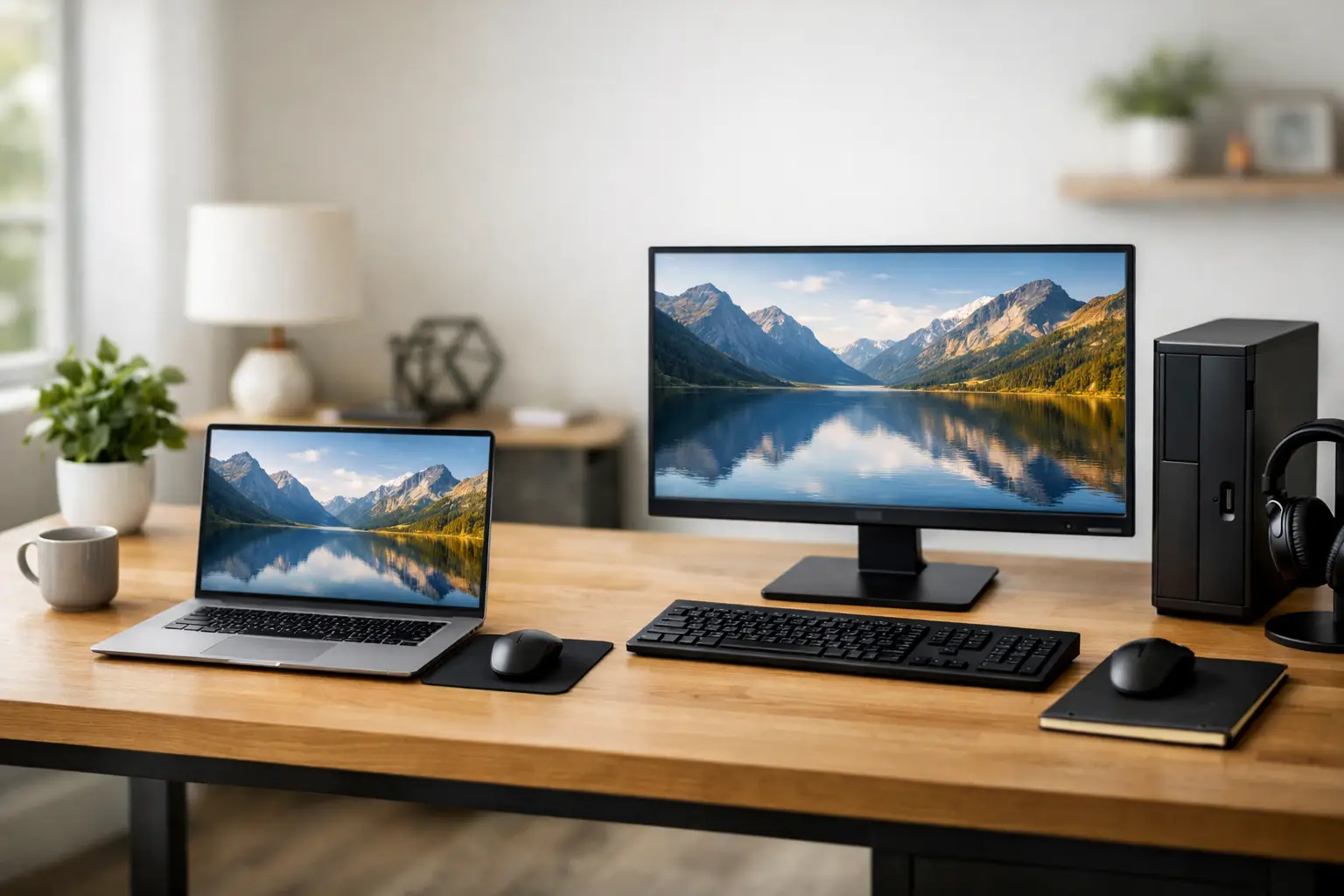
If you already prefer a laptop, you can connect it to an external monitor, full-size keyboard, and mouse while working at home. That gives you a more ergonomic workstation during the day and portability when you need to leave. For remote workers who split time between home, travel, and occasional office visits, this is often the most balanced option.
Still, not every laptop is well suited for this kind of daily use. Some models are built for light browsing and email, not full workdays with multiple active applications. If you plan to dock a laptop and use it as your main work machine, choose one with enough memory, reliable cooling, and the ports or compatibility needed for your accessories.
What type of user should choose each one?
A desktop usually makes the most sense for full-time home office users, small business owners with a dedicated workspace, and anyone who values comfort, speed, and easier serviceability. It is especially strong for accounting, content creation, office administration, inventory management, and multitasking-heavy roles.
A laptop is often the better fit for people who work from multiple locations, need to keep their setup compact, or want a single computer for personal and professional use. It also works well for lighter office tasks such as email, web-based systems, document editing, and occasional video meetings.
If your work depends on specialized software, large files, or constant uptime, lean toward a desktop unless mobility is essential. If your workday is lighter and flexibility matters most, a laptop can serve you very well.
Don’t forget support, security, and reliability
The computer itself is only part of the decision. Home office users also need reliable updates, security protection, backup planning, and help when something goes wrong. A fast machine is not much help if malware slows it down, storage fills up, or a hardware issue stops work unexpectedly.
That is where buying the right system from the start makes a difference. A properly matched computer should fit your workload, your workspace, and your budget without leaving you underpowered or paying for features you will never use. For local users in Central Florida, Computer Tech Pro often sees the same pattern: people buy based on advertising, then need help later because the system was not really suited for the way they work.
A little planning upfront can prevent a lot of frustration. Think about your daily tasks, how many hours you work, whether you truly need portability, and how important repairability is over the next several years.
The better question is what helps you work with less friction
If you want maximum comfort, stronger value, and a machine that is easier to maintain, a desktop is often the better home office choice. If you need freedom to move and a cleaner, simpler setup, a laptop may be the smarter pick.
The goal is not to buy the most powerful system or the smallest one. It is to choose the computer that lets you work without slowdowns, strain, or constant workarounds. When your setup matches your routine, the whole workday gets easier.


