

Posted On 31 Aug 2026
A suspicious email reaches an employee, someone clicks a convincing link, and a single computer starts sending unusual traffic across the office network. This is the kind of situation a network security appliance is designed to help prevent or contain. It sits between your internet connection and the computers, printers, backup systems, and other equipment you rely on, watching for activity that does not belong.
For a home office or small business, that protection can be valuable. But it is not automatically the right answer for every household or every office. The best choice depends on how many people use your network, what information you handle, how much downtime would cost, and whether someone is actively maintaining your security.
What a Network Security Appliance Does
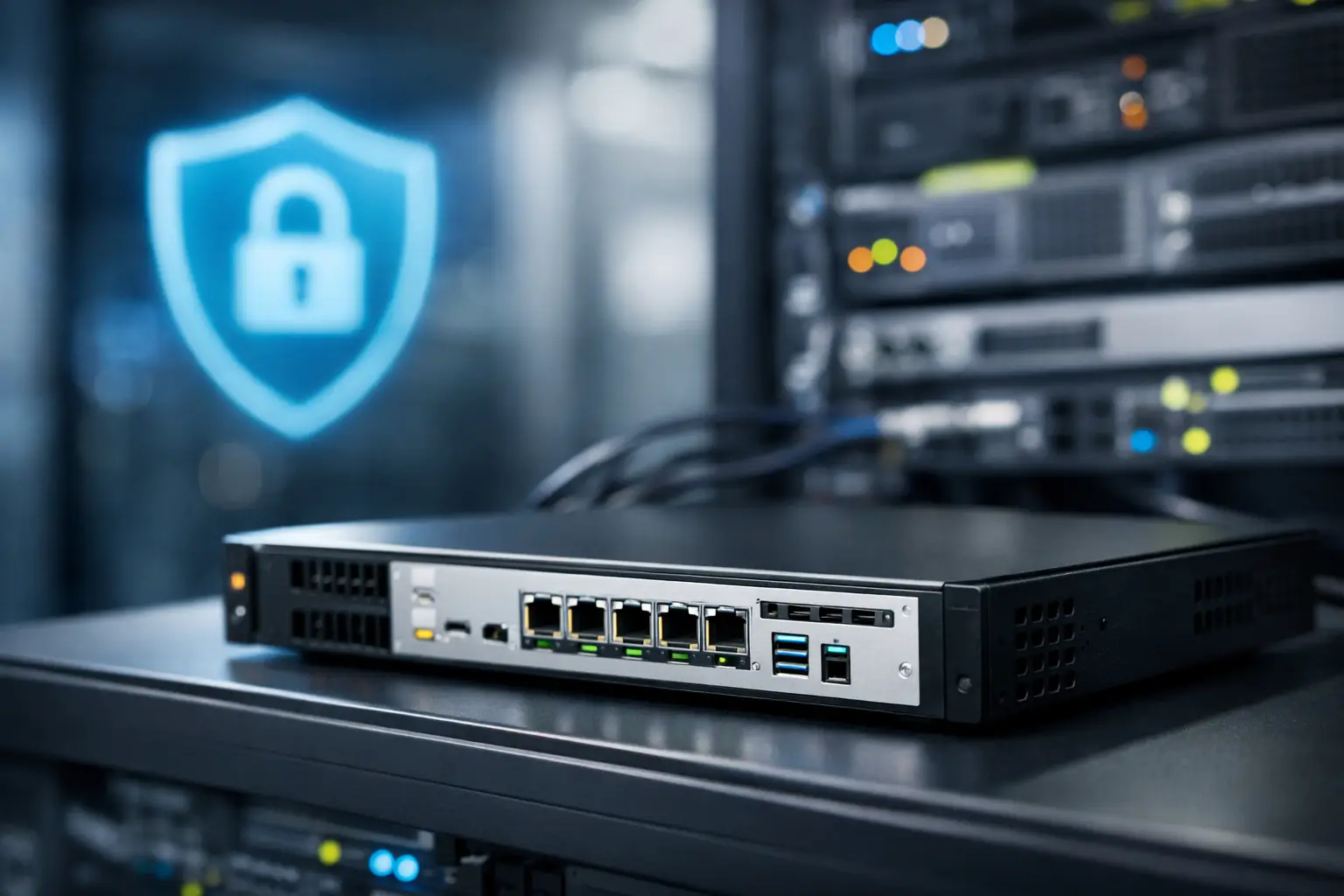
A network security appliance is dedicated hardware that helps control and inspect traffic moving between your network and the internet. People sometimes call it a business firewall, although modern units often do much more than block unwanted connections.
Think of it as a security checkpoint at the entrance to your network. It can permit normal traffic, such as a video meeting or access to a trusted business application, while looking more closely at activity associated with known threats. Depending on the model and its configuration, it may block harmful websites, stop known attack attempts, limit risky applications, identify unusual network behavior, and provide secure remote access for approved users.
Most internet providers supply a basic gateway device. That equipment is often enough to get online, and it may include simple firewall features. A dedicated appliance adds deeper visibility and more control. It can show which devices are connected, where traffic is going, and whether a computer is trying to communicate with a suspicious destination.
That extra insight matters because many threats do not announce themselves. A computer may appear to be working normally while malware quietly attempts to contact an outside server or spread to shared files.
Who Benefits Most From a Network Security Appliance?
Small businesses are usually the strongest candidates. A professional office, medical practice, real estate agency, church, retail business, or nonprofit may have customer information, financial records, shared documents, cloud services, and several employees using the same connection. One compromised computer can affect far more than the person sitting in front of it.
A dedicated appliance is particularly useful when an organization needs employees to work remotely, uses network storage, accepts online payments, relies on cloud applications, or has guest Wi-Fi for visitors. Separating guest traffic from business equipment is a practical example of how the right setup can reduce risk without making the network difficult to use.
Home offices can benefit as well, especially when work involves sensitive client information, financial records, remote access, or large amounts of important data. Families with a standard internet connection and a few computers may not need enterprise-level equipment. In many cases, a properly configured router, current software updates, strong passwords, reliable backup, and good endpoint protection provide an appropriate foundation.
The point is not to buy the most expensive device available. It is to match protection to the real risk. If losing access to your files or internet connection for two days would create a serious business problem, better network security deserves a closer look.
What It Can and Cannot Protect
A security appliance can block many threats before they reach a computer, but it is not a complete cybersecurity plan. It cannot guarantee that a person will not share a password, approve a fraudulent login request, or open a dangerous attachment that appears legitimate.
It also cannot replace updates, antivirus or endpoint protection, secure backups, and employee awareness. A hacker does not always need to break through the front door. Sometimes they get in through a reused password, an unpatched program, or an account with weak sign-in protection.
For that reason, small businesses should view network protection as one layer among several. A sensible plan includes secured user accounts, multi-factor authentication where available, regular updates, tested backups, and clear procedures for suspicious emails or unexpected requests for payment information.
For homeowners, the same principle applies in simpler terms. Keep your computers updated, use unique passwords, be careful with unexpected messages, and make sure your important files are backed up somewhere separate from the computer. A network device helps, but good daily habits still matter.
Features Worth Paying Attention To
Security appliances vary widely. Some are built for a small office with a handful of users, while others are intended for larger organizations with dedicated IT teams. The feature list can sound technical, so focus first on outcomes rather than acronyms.
A useful appliance should provide reliable firewall protection, intrusion prevention, web filtering, and clear reporting. It should also be able to support your normal internet speed. A low-cost device that slows down video calls, cloud backups, or daily work can create frustration without delivering the protection you expected.
Secure remote access is another important consideration for businesses with employees who work away from the office. The goal is to give authorized staff a protected way to reach needed resources without exposing the entire network to the internet.
Management is just as important as the hardware. Threat definitions, firmware, and security rules need regular attention. Many appliances require a subscription for ongoing security updates and filtering services. That recurring cost is not a surprise or a flaw, but it should be included in the budget from the beginning.
Common Mistakes When Setting Up Network Security
The biggest mistake is treating the appliance like a plug-in solution. It needs to be configured for the way your network actually works. Rules that are too loose can leave unnecessary openings. Rules that are too strict can interrupt email, remote access, printers, cloud applications, or other business tools.
Another common issue is leaving default settings in place. Default administrator passwords, outdated firmware, and remote management settings can create avoidable risk. A professional setup should include changing credentials, reviewing access rules, applying updates, and documenting the configuration for future support.
Businesses also sometimes forget about every device connected to the network. Older computers, network storage, printers, cameras, and guest devices can all affect security. An inventory makes it easier to identify equipment that should be updated, isolated, replaced, or removed.
Finally, do not overlook backup planning. If ransomware gets past one or more layers of protection, a current and tested backup may be what keeps a difficult incident from becoming a major loss. Security is about reducing the chances of a problem and making recovery possible if one still occurs.
Choosing the Right Level of Protection
Start with a plain-language assessment of your network. How many users and computers are involved? Do you store customer records or confidential files? Is remote work required? Are backups running reliably? Does anyone know when the firewall was last updated or whether unknown devices are connected?
For a small office, a managed security appliance can be a practical choice because it combines protection with ongoing oversight. Rather than asking an employee to troubleshoot alerts after hours, the business can have an IT partner monitor updates, review issues, and make changes as needs evolve.
For a homeowner or remote worker, the right answer may be a simpler security review. Improving Wi-Fi settings, replacing outdated equipment, securing accounts, removing malware, and setting up dependable backups can address the biggest risks at a more appropriate cost.
Computer Tech Pro helps Central Florida homeowners and small businesses evaluate network security without pushing a one-size-fits-all solution. The goal is to keep your connection dependable, your information better protected, and your technology easy to use.
A good security decision starts with knowing what is connected to your network and what you cannot afford to lose. Once those answers are clear, the right level of protection becomes much easier to choose.


