
Posted On 09 Dec 2025
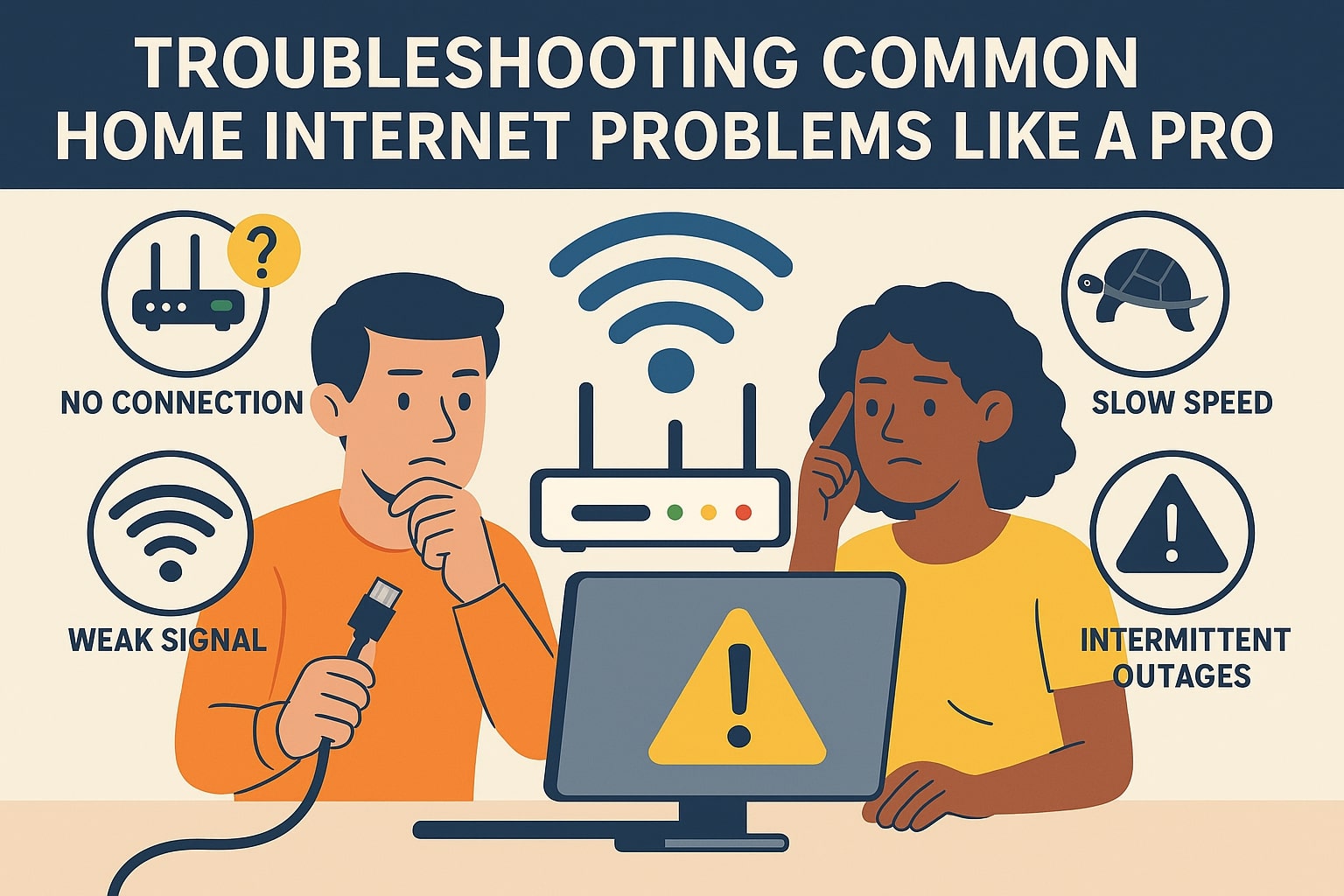
A slow or unstable internet connection can bring your day to a grinding halt—whether you’re working remotely, streaming a movie, or just trying to browse the web. The good news is that many common home internet problems can be resolved with a few quick steps. Here’s how to troubleshoot like a pro.
1. No Internet Connection
First, check your modem and router. Are the indicator lights on? If not, unplug both devices, wait 30 seconds, and plug them back in. This simple reboot often resolves connectivity issues. If there’s still no connection, check with your internet service provider (ISP) to see if there’s an outage in your area.
2. Slow Internet Speeds
Slow speeds may be caused by too many devices using bandwidth simultaneously. Try disconnecting unused devices or pausing large downloads. Run a speed test using a site like Speedtest.net to compare results with your ISP’s advertised speeds. If it’s consistently slow, consider upgrading your plan or router.
3. Weak Wi-Fi Signal
If you’re only having issues in certain rooms, signal strength may be the culprit. Move your router to a central location, elevate it off the floor, and minimize obstructions like walls and furniture. Wi-Fi range extenders or mesh systems can also help cover larger homes.
4. Intermittent Drops
Frequent disconnections could point to interference from other electronics or an overloaded network. Switch to a less congested Wi-Fi channel or use a wired Ethernet connection for better stability.
5. Devices Not Connecting
If one device can’t connect while others can, try forgetting the network and reconnecting. Restart the device, check for software updates, and ensure the Wi-Fi password is entered correctly.
With these practical steps, you can diagnose and fix most home internet issues yourself—no tech support call required.


