
Posted On 11 Dec 2025
Family photos are more than just pictures—they’re irreplaceable memories that capture the moments, people, and stories that define our lives. Whether it’s your child’s first steps, a milestone birthday, or a cherished holiday, these images are treasures worth preserving. Yet, too many people leave them vulnerable to loss due to hardware failure, theft, accidental deletion, or natural disasters.
That’s why backing up your family photos is essential. Thankfully, with today’s technology, it’s easier than ever to keep your memories safe.
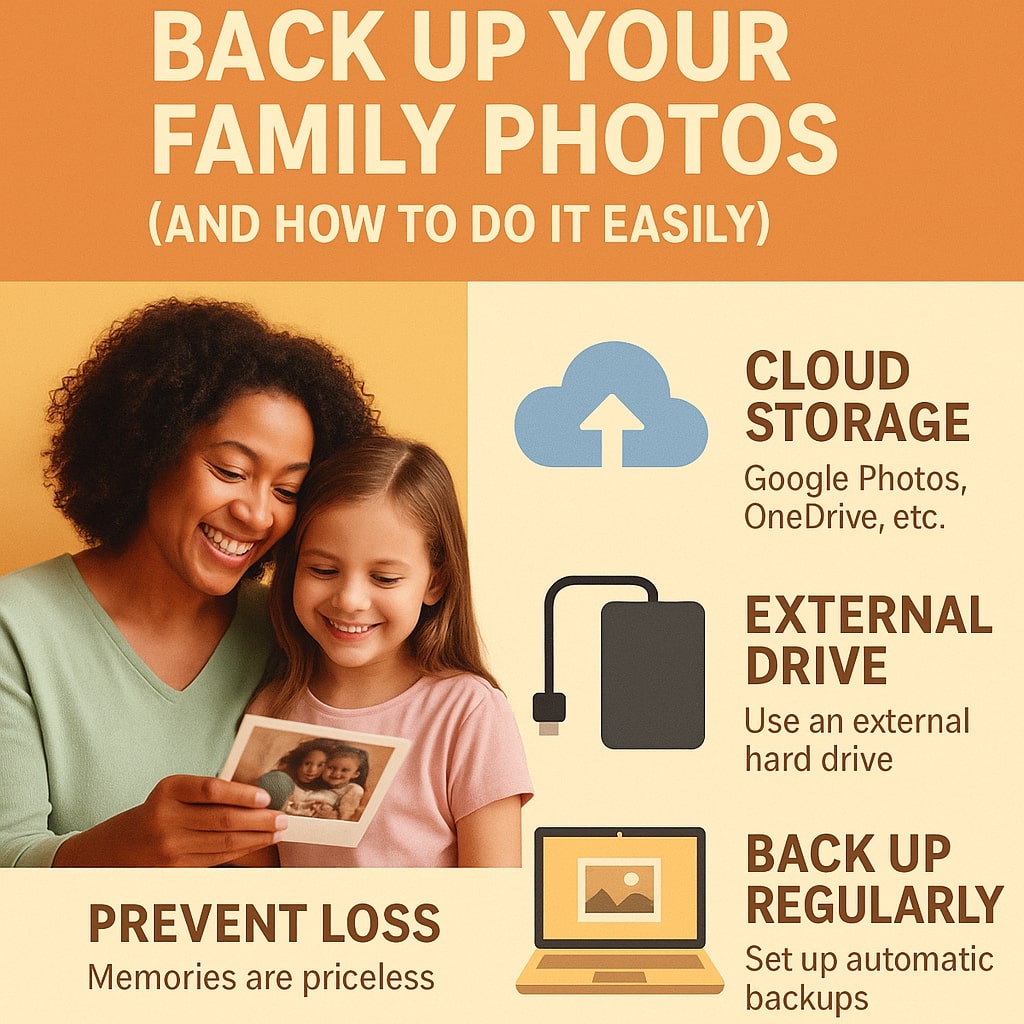
1. Use Cloud Storage
Services like Google Photos, iCloud, OneDrive, and Dropbox offer automatic cloud backup. These platforms not only store your photos safely online but also make them accessible from any device. Many provide free storage options, and paid plans are affordable if you need more space.
2. External Hard Drives
An external hard drive gives you physical control over your photo backup. It’s a great option for large photo libraries and can serve as a secondary backup in case cloud access is unavailable. Simply copy and paste folders or use backup software to automate the process.
3. Set Up Regular Backups
Consistency is key. Set a reminder to back up your photos monthly—or better yet, enable auto-backup features in your devices or apps. This ensures new memories are protected without you having to think about it.
4. Organize as You Go
When backing up, take a few moments to organize your photos into folders by date, event, or family member. It’ll make finding and sharing them much easier later.
Losing family photos can be heartbreaking, but it’s completely preventable. With a few simple steps, you can ensure your memories stay safe for future generations. Start backing up today—you’ll be glad you did.


