

Posted On 09 Sep 2026
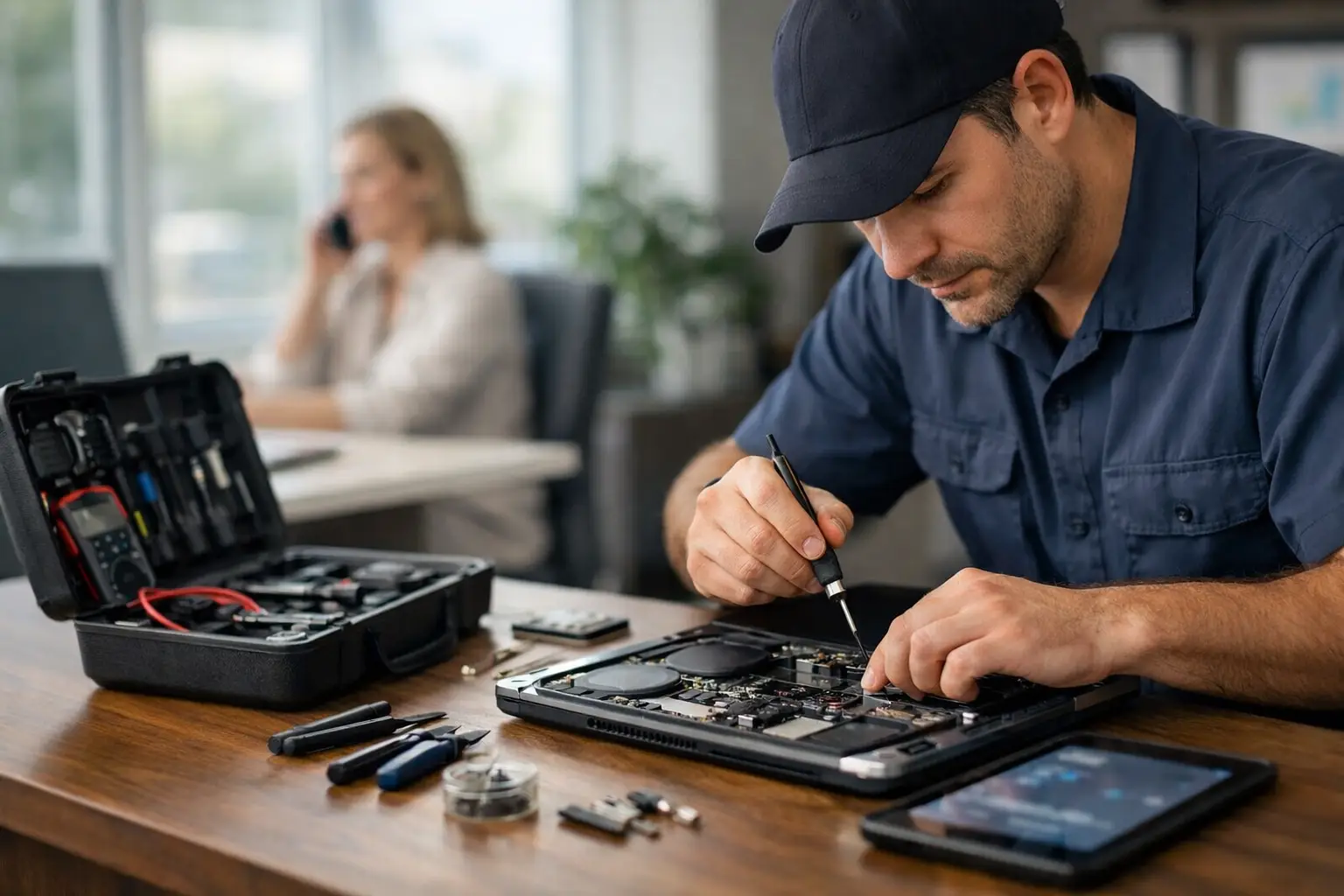
A computer problem is frustrating enough. Having to unplug everything, carry a heavy desktop to the car, and hope nothing gets worse during the trip adds another layer of stress. That is why onsite repair is often the right answer for homes, home offices, and small businesses. A technician can see the problem where it is happening, explain the solution clearly, and help get your technology working again without disrupting your day.
For many issues, the location matters as much as the computer itself. A printer that will not print may be connected incorrectly to the network. A slow connection may be caused by router placement, weak Wi-Fi coverage, or too many devices competing for bandwidth. An onsite visit allows the technician to look at the full setup rather than guessing from a single computer.
What Onsite Repair Can Solve at Your Location
Onsite service is especially useful when the issue involves more than one piece of equipment. At home, that could mean a desktop computer, wireless printer, router, backup drive, and email account that all need to work together. In a small office, it could include staff computers, shared files, network equipment, cloud services, and security settings.
Common onsite repair requests include computer tune-ups, slow PC diagnosis, Windows troubleshooting, blue screen errors, malware removal, printer setup, Wi-Fi problems, email issues, new computer setup, and transferring files to a replacement computer. Technicians can also replace certain parts, such as hard drives, SSDs, laptop batteries, or screens, when the repair is practical to perform at the location.
Onsite service is also a strong option for network-related concerns. If one room has excellent Wi-Fi but another has repeated dropouts, the answer may not be a new computer. The issue could be a poorly placed router, an aging network device, interference, or a configuration problem. Seeing the environment firsthand makes it easier to recommend a fix that addresses the cause instead of temporarily hiding the symptom.
For small businesses, onsite support can reduce costly downtime. A professional office cannot always wait while several workstations, a shared printer, or an internet connection are unavailable. A technician can assess the setup, restore essential access where possible, and identify steps that can help prevent the same disruption from returning.
When an Onsite Visit Makes More Sense Than Other Support
Not every computer problem requires a house call. Remote support is often faster for software errors, account settings, program updates, email configuration, and many performance concerns. If your computer can connect to the internet and you can open a remote support session, a technician may be able to resolve the issue without traveling to you.
In-shop repair can be the better choice when a computer needs detailed hardware testing, extensive data recovery work, or a repair that takes several hours. It may also be more cost-effective for certain issues because the technician has full access to specialized tools and replacement parts.
Onsite repair makes the most sense when moving the equipment is difficult, when the issue depends on your environment, or when several devices need attention at once. It is particularly helpful for desktop systems, home offices, printers, Wi-Fi equipment, network storage, and small business workspaces.
A good technology partner should recommend the service method that fits the situation, not automatically push the most expensive option. Sometimes a quick remote session is all that is needed. Other times, an onsite appointment avoids repeated troubleshooting and gets to the real issue faster.
The Advantage of Seeing the Whole Setup
Many technology problems are connected. A customer may call because a computer is slow, only to discover that the system is also low on storage, missing important updates, and using an unreliable backup method. A technician can review the computer’s condition, explain what is urgent and what can wait, then provide practical options.
This is especially valuable for retirees, families, and remote workers who want more than a quick fix. They may need help organizing a new computer, connecting a printer, improving password habits, setting up cloud backups, or understanding how to recognize suspicious emails. These are everyday concerns, and clear guidance can prevent a lot of future trouble.
For business owners, seeing the entire setup can reveal risks that are easy to miss. Are backups actually completing? Are workstations protected against malware? Does every employee have the access they need, but no more than they need? Is important information stored in one place with no recovery plan? The answers do not always require a major technology project. Often, a few sensible changes can improve security and reliability substantially.
What to Expect During an Onsite Repair Appointment
A professional onsite visit should feel organized, not confusing. The first step is listening. Before changing settings or replacing parts, the technician should ask what happened, when the issue began, what messages appeared, and how the problem affects your work or daily routine.
Next comes diagnosis. This may involve checking the computer’s health, reviewing error messages, testing the internet connection, inspecting cables and network devices, or confirming how printers and shared resources are configured. The goal is to identify the root cause whenever possible.
Once the problem is understood, you should receive a plain-language explanation of the recommended repair. If there are choices, such as repairing an older drive or upgrading to an SSD, the trade-offs should be clear. A repair may cost less today, while an upgrade may provide better speed and reliability over time. The right choice depends on the computer’s age, the value of the data, your budget, and how you use the system.
After the work is completed, a technician should test the result with you. That might mean confirming that the printer works, the internet is stable, email sends properly, or the computer starts and runs as expected. You should also know what was changed and what steps to take if the same issue appears again.
How to Prepare for an Onsite Service Call
You do not need technical knowledge to prepare, but a little information can make the visit more efficient. Write down any error messages, note when the problem started, and keep passwords available if account access may be needed. If you are concerned about a particular file, folder, or program, mention it at the beginning of the appointment.
If the issue involves Wi-Fi, a printer, or another device on your network, make sure the technician can access the areas where the equipment is located. For business visits, it helps to identify the employee who understands the day-to-day problem and can confirm whether the repair is successful.
It is also wise to be direct about privacy concerns. A trusted technician should treat your files, accounts, and personal information with respect. Ask how data will be handled, whether a backup is recommended before work begins, and what changes will be made to security software or account settings. Clear communication protects both your information and your peace of mind.
Preventing the Next Technology Emergency
The best onsite repair visits do more than restore a broken computer. They can help you avoid the next interruption. Regular updates, dependable backups, malware protection, adequate storage, and occasional maintenance make a real difference over time.
For homes, that may mean confirming that important photos and documents are backed up and that every computer is receiving updates. For a small business, it may mean creating a maintenance plan that covers backups, endpoint protection, network health, and recovery planning. Prevention is not about buying unnecessary technology. It is about making sure the technology you depend on has reasonable safeguards in place.
Computer Tech Pro provides onsite assistance throughout Lake County and nearby Central Florida communities for customers who need patient, practical help where their technology is used. Whether the problem is one computer or an entire workspace, the goal should be the same: fix what is wrong, explain what happened, and leave you with a setup you can rely on.
When technology starts getting in the way of your work, communication, or peace of mind, choose the support option that makes the problem easier to solve. Often, having an experienced technician at your location is the simplest path back to a working computer and a calmer day.


