
Posted On 06 Dec 2025
Phishing emails are one of the most common methods cybercriminals use to steal personal information, infect devices with malware, and gain unauthorized access to sensitive accounts. These emails are often disguised as messages from trusted sources, making them hard to detect—unless you know what to look for. Here’s how to spot phishing emails before it’s too late.
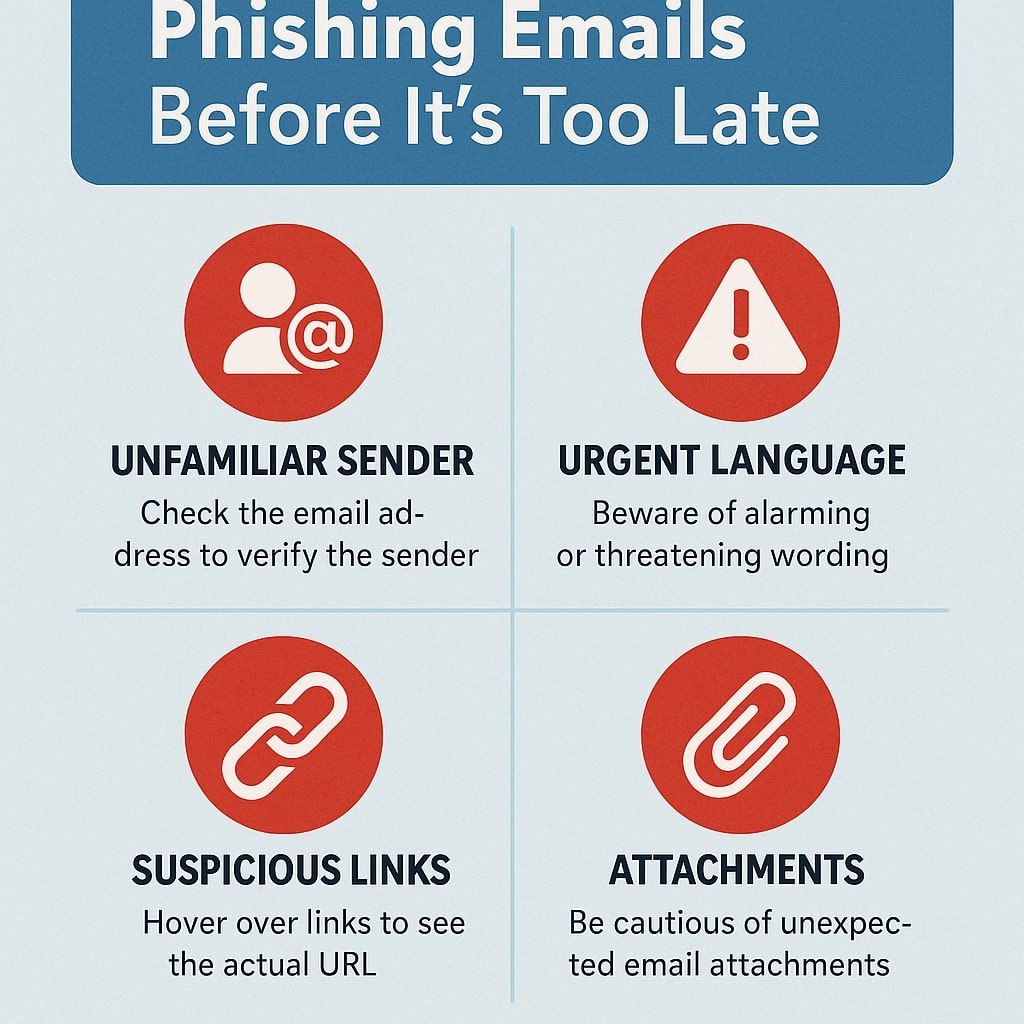
1. Check the Sender’s Email Address
Phishing emails often come from addresses that look legitimate at first glance. Always double-check the sender’s full email address. A slight misspelling or strange domain name is a red flag.
2. Look for Urgent or Threatening Language
Phishers try to create a sense of panic to get you to act quickly without thinking. Subject lines like “Your Account Will Be Closed!” or “URGENT: Immediate Action Required” are meant to pressure you. Be cautious with any email that uses alarmist language.
3. Avoid Clicking Suspicious Links
Hover your mouse over any links in the email without clicking. This will reveal the actual destination URL. If the link doesn’t match the context of the email or points to a strange domain, don’t click it.
4. Watch for Unusual Attachments
Unexpected attachments—especially ZIP files, PDFs, or executables—can carry malware. Don’t open attachments unless you’re absolutely sure they’re safe and expected.
5. Poor Grammar or Generic Greetings
Many phishing emails contain typos, awkward phrasing, or use generic greetings like “Dear Customer.” Legitimate companies usually personalize their emails and use proper spelling and grammar.
What to Do If You Suspect a Phishing Email
Never click links or download attachments from a suspicious email. Instead, report it as phishing through your email provider, and delete it immediately.
Staying alert and informed is your best defense against phishing. When in doubt—don’t click.


